Asana acquires StackAI — now every human-agent workflow runs in one place.Learn more
Public relations plan template
Use a reusable PR plan to set campaign goals, define key messages, and assign and track every milestone and task. It helps teams manage timelines, owners, media outreach, approvals, and results without missing important details.
Create your templateSign up to create your own template.
INTEGRATED FEATURES
Recommended apps


Summary
Public relations efforts build awareness and trust with your audience, which is why consistency matters. A public relations planning template provides a step-by-step guide to keep every campaign organized, no matter how many people are involved. In this article, you'll learn what a PR plan template is, why it matters, how to create one from scratch, what to include, and how to put it to work for your team.
What is a public relations planning template?
A public relations planning template is a reusable outline that documents every step of your PR process, from setting goals to measuring results. It serves as a step-by-step guide so anyone on your team can launch a PR campaign without missing a critical detail.
Think of your PR plan template as an action plan for everything you need to do to pull off a successful PR campaign. By building your PR plan as a template, you're ensuring every media plan includes key details, such as a media embargo plan, the publications and journalists you're reaching out to, and more.
Create a PR planning templateWhy use a public relations plan template?
PR efforts are often cross-functional. While you may be in charge of media relations and your communication plan, you likely rely on other teams to assist in the process. For example, you might need to coordinate with:
Marketing: Timing content marketing efforts to align with your PR campaign.
Product: Verifying technical specifications before a launch announcement.
Legal: Reviewing press releases or public statements for compliance.
No matter what company you work for, PR work is rarely done alone.
And the steps in the PR process are often critical. For example, you might want to run all press releases by the legal team, or institute a content embargo that ends at 6am. By tracking all of these small but essential details in one place, you can ensure they aren't forgotten, regardless of who's running the PR campaign.
That's why it's so important to have a rock-solid process. Using a template for your public relations planning will help you coordinate across departments while ensuring that every critical step is included. If you build out your template in a work management platform, you can also connect directly with teams and keep a bird's-eye view of what's happening when, so you can track if any pieces are skipped.
How to create a PR plan
Before you build out your template, it helps to understand the core steps involved in creating a PR plan. Whether you're planning a product launch, managing a rebrand, or responding to a crisis, these steps will guide you through the process.
1. Set goals
Start by defining what you want your PR campaign to achieve, whether that's increasing brand awareness, managing public perception, or supporting a product launch. Use the SMART approach (specific, measurable, achievable, relevant, and time-bound) to make sure your goals are concrete and trackable. Clear goals keep your team aligned and give you a way to measure success once the campaign wraps up.
2. Identify your target audience
Your PR plan should speak directly to the people you're trying to reach. Define your target audience by considering factors such as demographics, industry, interests, and media consumption habits. The more specific you are, the easier it is to craft messages that resonate and choose the right channels for outreach.
3. Develop key messages
Once you know your goals and audience, craft the key messages you want to communicate. These should be clear, consistent statements that reflect your brand's position and the story you want to tell. Strong key messages make it easier for spokespeople, writers, and partners to stay on the same page.
4. Choose your PR tactics and channels
Decide which tactics will help you reach your audience most effectively, then match them to the channels where they are most active. Common PR tactics include:
Press releases and media pitches
Social media campaigns
Influencer partnerships
Events and speaking engagements
Thought leadership content
5. Establish a timeline
Map out your PR activities on a timeline so your team knows what's happening and when. Include key milestones like embargo dates, press release distribution, event dates, and follow-up deadlines. A clear timeline helps you coordinate across teams and avoid last-minute scrambles.
6. Define how you'll measure success
Decide upfront how you'll evaluate your campaign's performance. This might include media placements, share of voice, website traffic, social engagement, or sentiment analysis. When you tie measurement back to your original goals, you can clearly see what worked and where to improve next time.
What to include in your public relations plan template
Your PR plan template should capture your specific team's needs. When you create it, start with these sections below, then customize your template to fit your team.
Resources: Include any information you've already gathered on your target audience, market research, and public relations strategy. This does two things: it provides easy access to documents you need throughout your PR campaign, and it shows how this plan ties into larger PR goals and initiatives.
Assignee: Assign relevant sections and tasks to specific team members so stakeholders know who is responsible for each action item. This helps stakeholders send questions to the right people, so they can get answers faster.
Media outlets: Include any platforms you're contacting for outreach. This will likely include traditional publications, but you can also go beyond that. Are you running a social media campaign? Include influencers. Connecting with marketing communications teams at other companies? List them here as well.
Reporting: The final section of your PR plan template should outline how you'll measure success. Be specific. Are you looking for rankings, awards, or short-term bumps? Each goal is different and, therefore, requires different types of reporting.
How to use a public relations plan template
Your public relations plan template is more than just an outline; it's a living document that helps your company avoid critical mistakes in the public eye. In that sense, your template's most important use case is to serve as a step-by-step guide for your company's PR process.
Depending on your specific situation, these steps may include:
Contacting customers in advance of a release to confirm quotes.
Vetting with the legal or executive team as necessary.
Reaching out to journalists for media placements.
Coordinating a media embargo on any news, so that breaking information comes out at the right time.
Using a press release template to craft key messages for new announcements.
Timing your plan release to the minute, if necessary, to ensure you're sharing the right details with the right people at the right time.
Funneling follow-up questions to the appropriate executives after large announcements.
Gathering metrics to analyze the overall response to a campaign.
Whether you're new to PR or a seasoned professional, your PR plan template will help you produce the best possible public relations campaign, every single time.
Integrated features
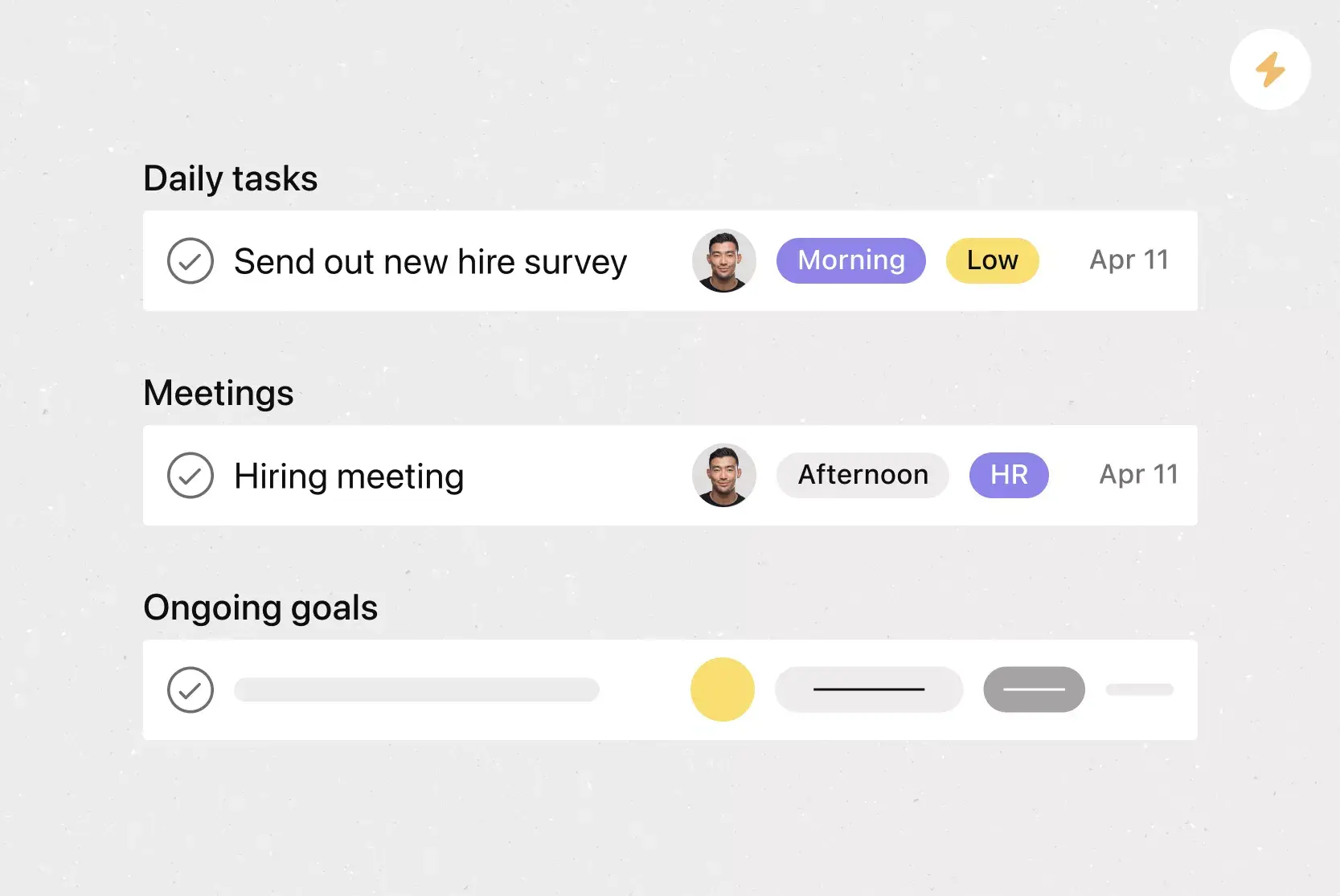
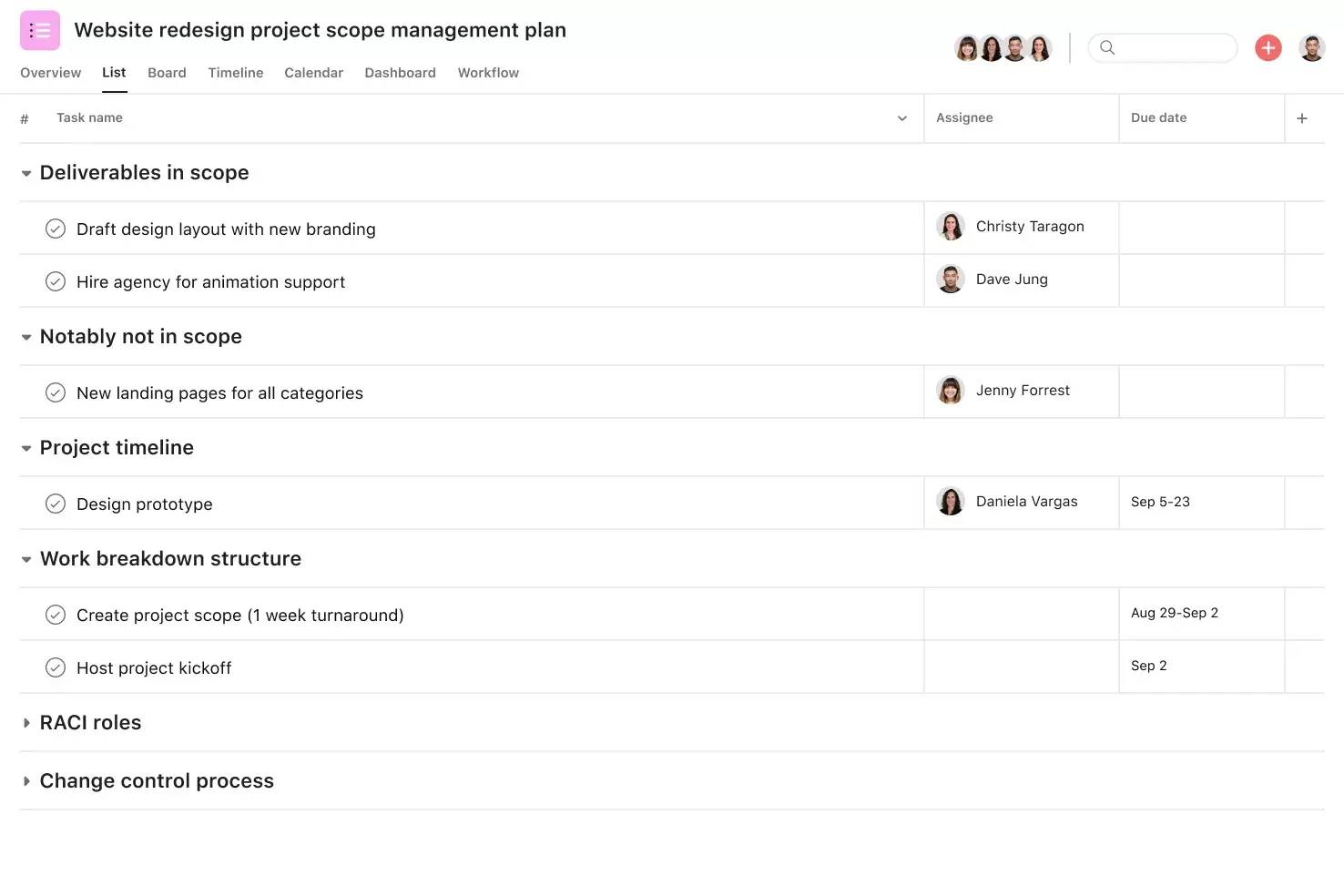
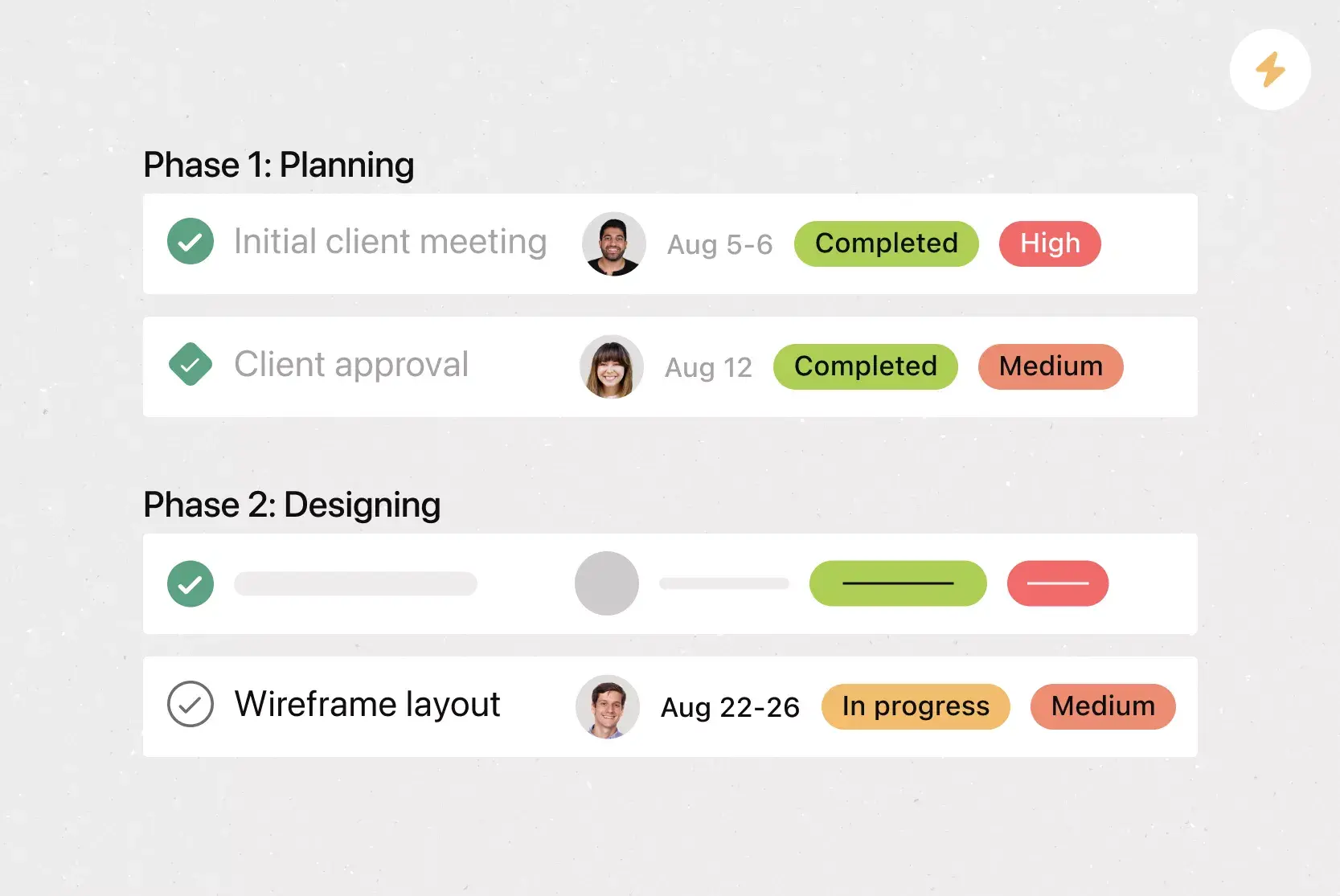
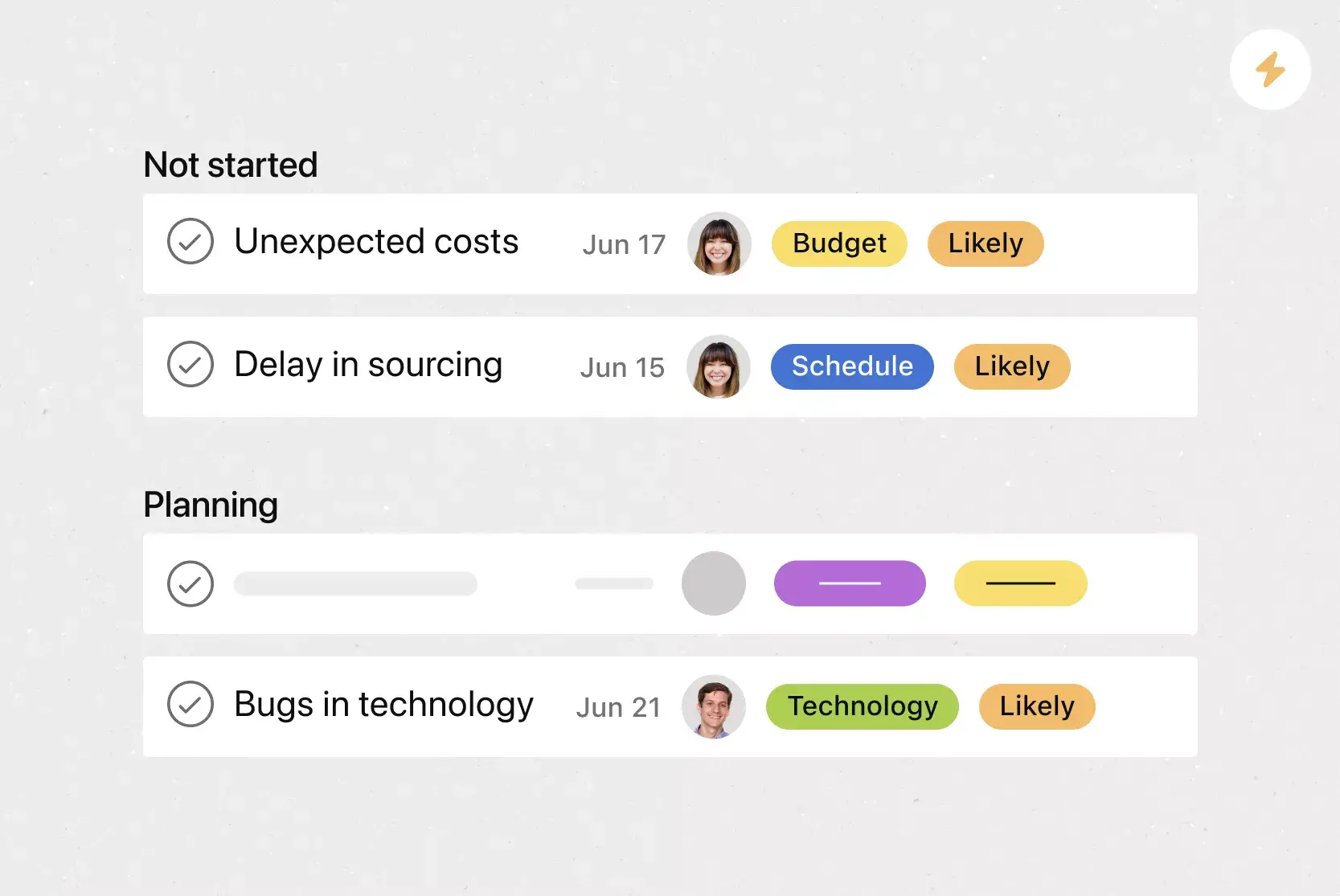
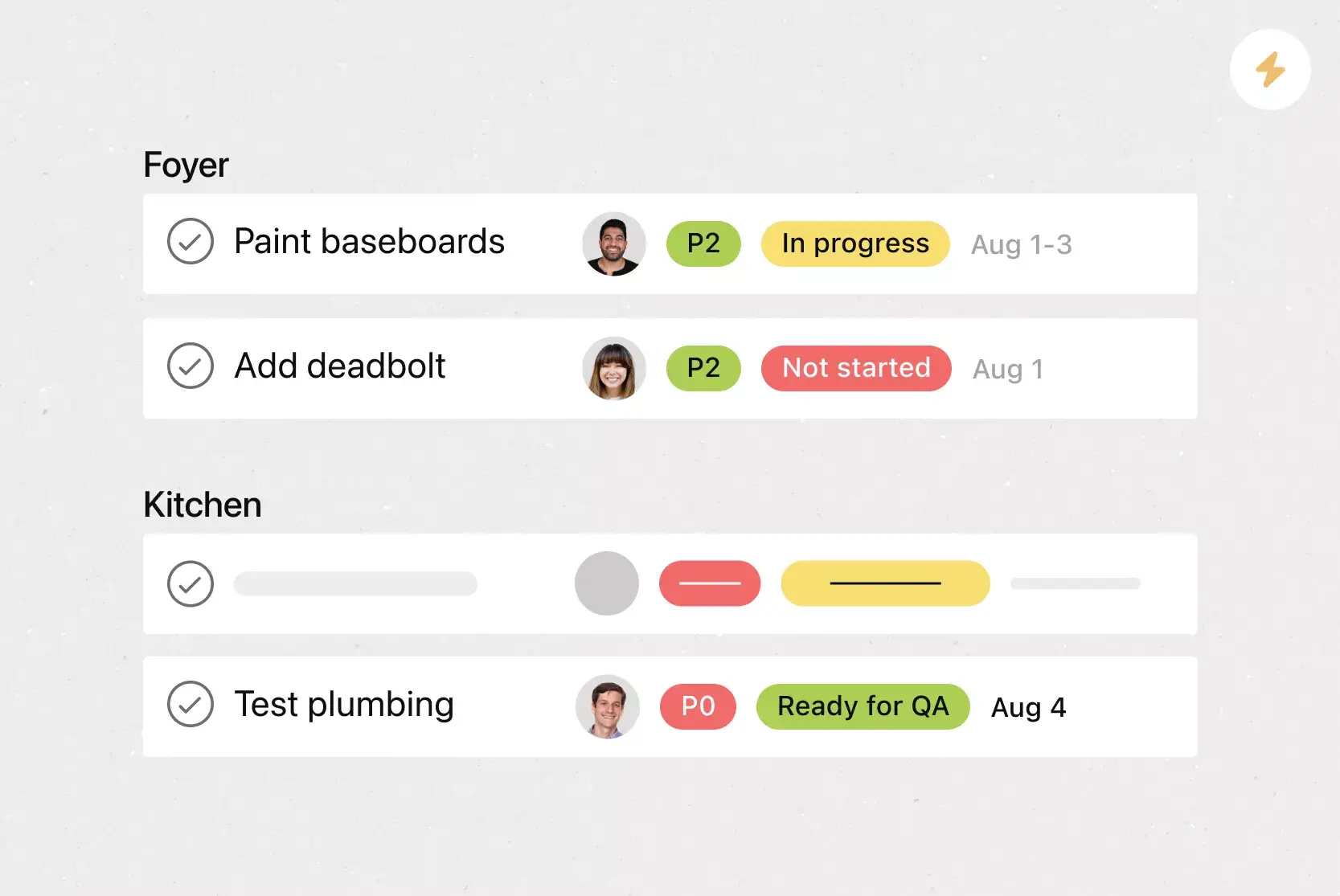
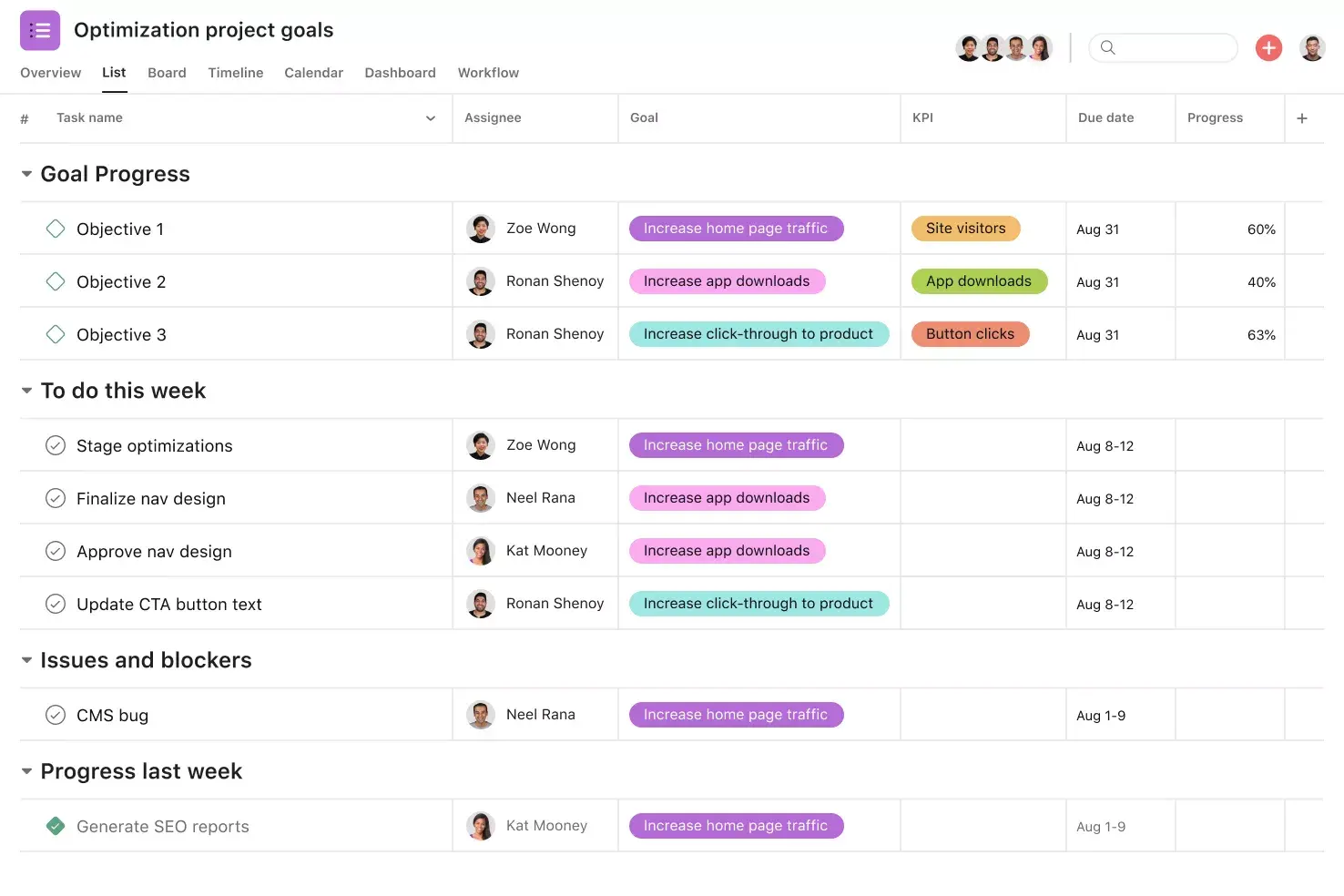
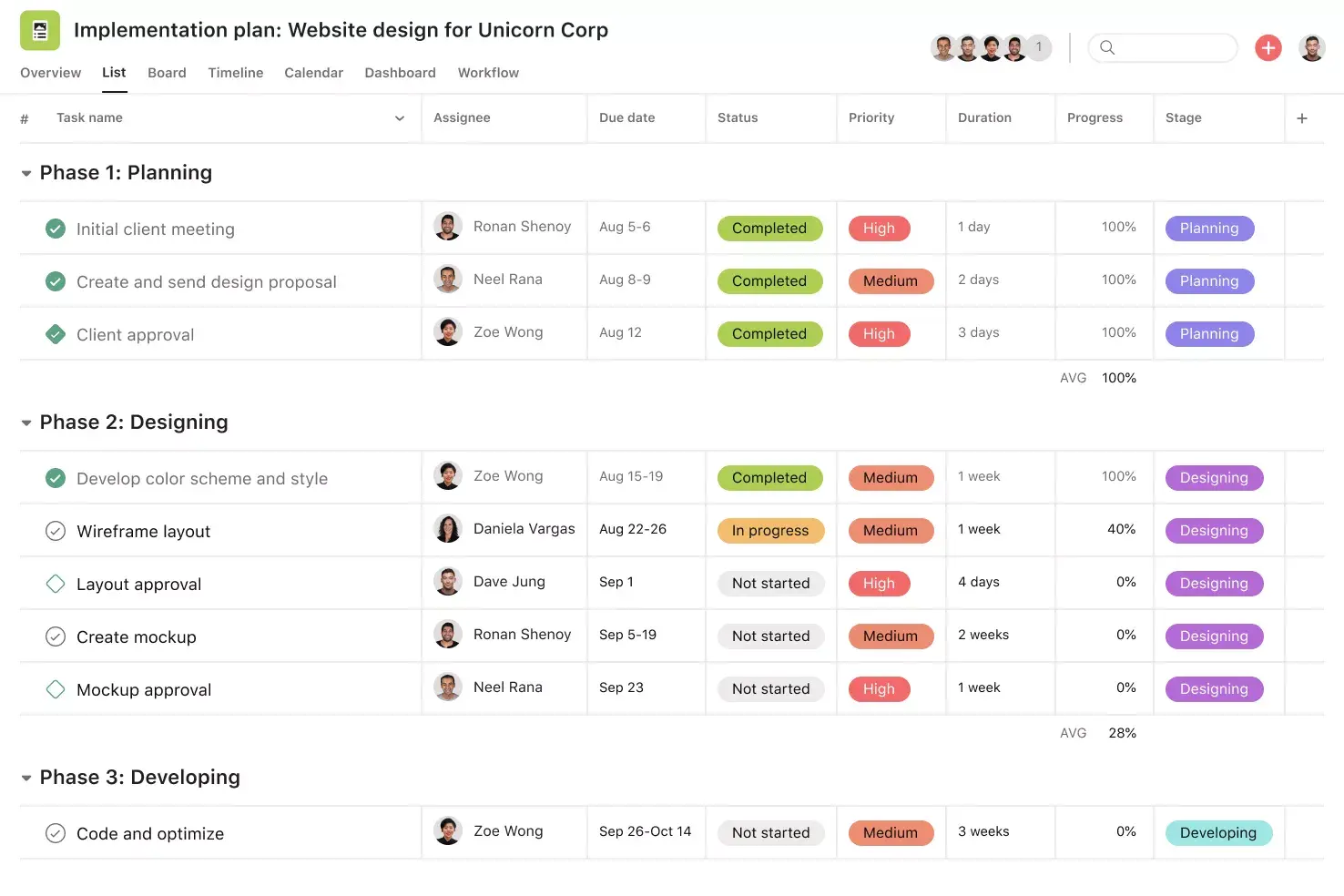
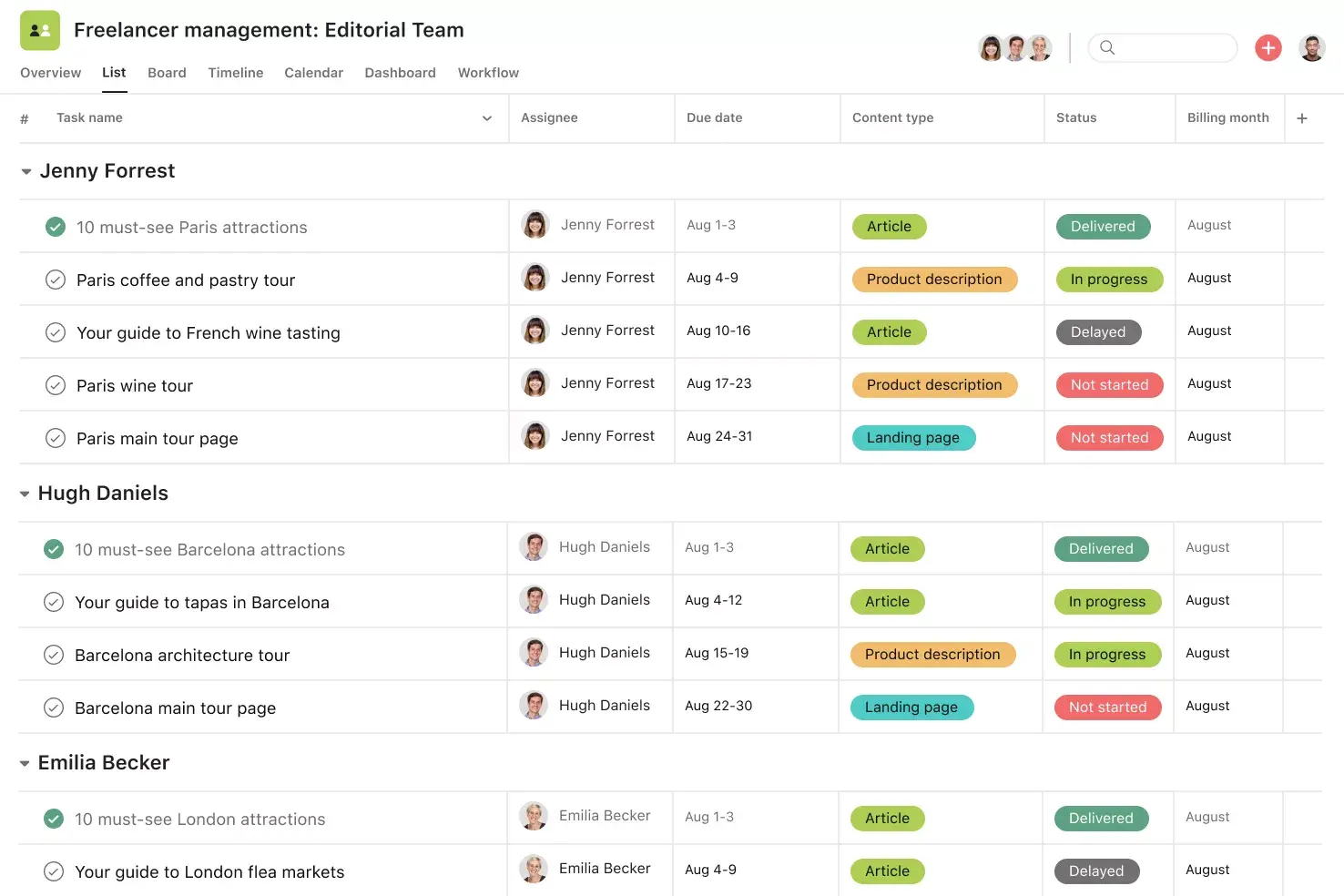
List View. List View is a grid-style view that makes it easy to see all of your project's information at a glance. Like a to-do list or a spreadsheet, List View displays all your tasks at once so you can see not only task titles and due dates but also relevant custom fields such as Priority, Status, and more. Unlock effortless collaboration by giving your entire team visibility into who's doing what by when.
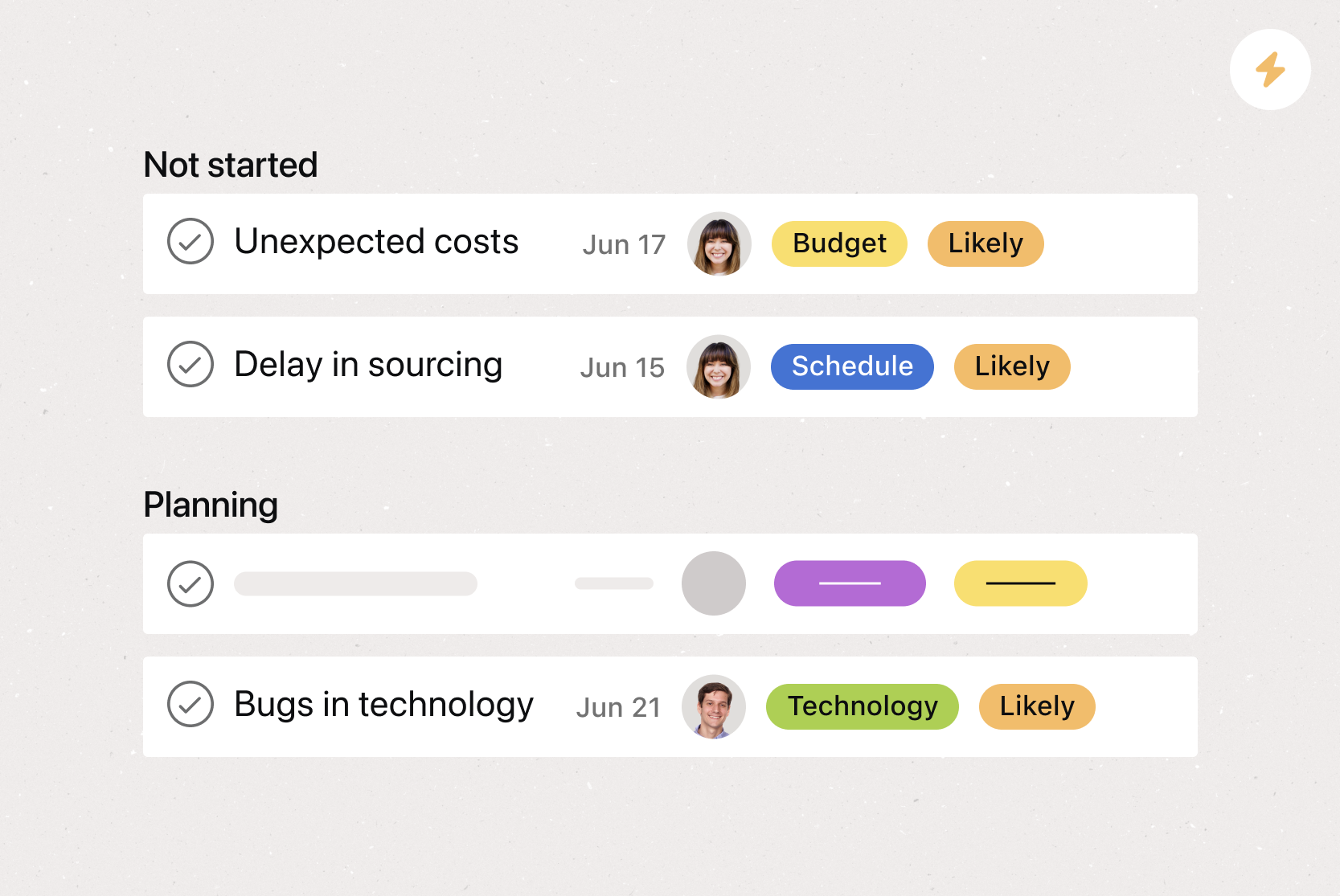
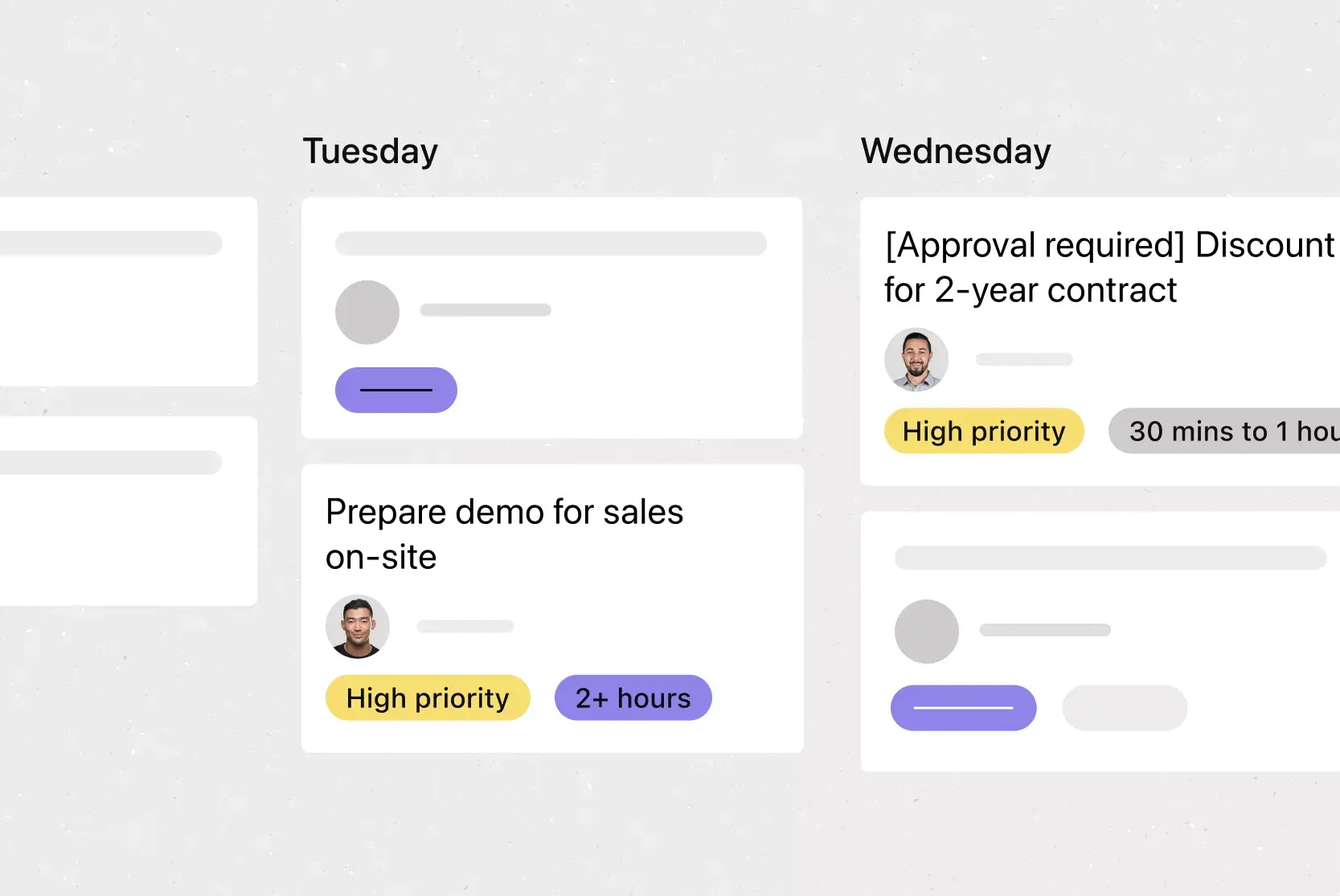
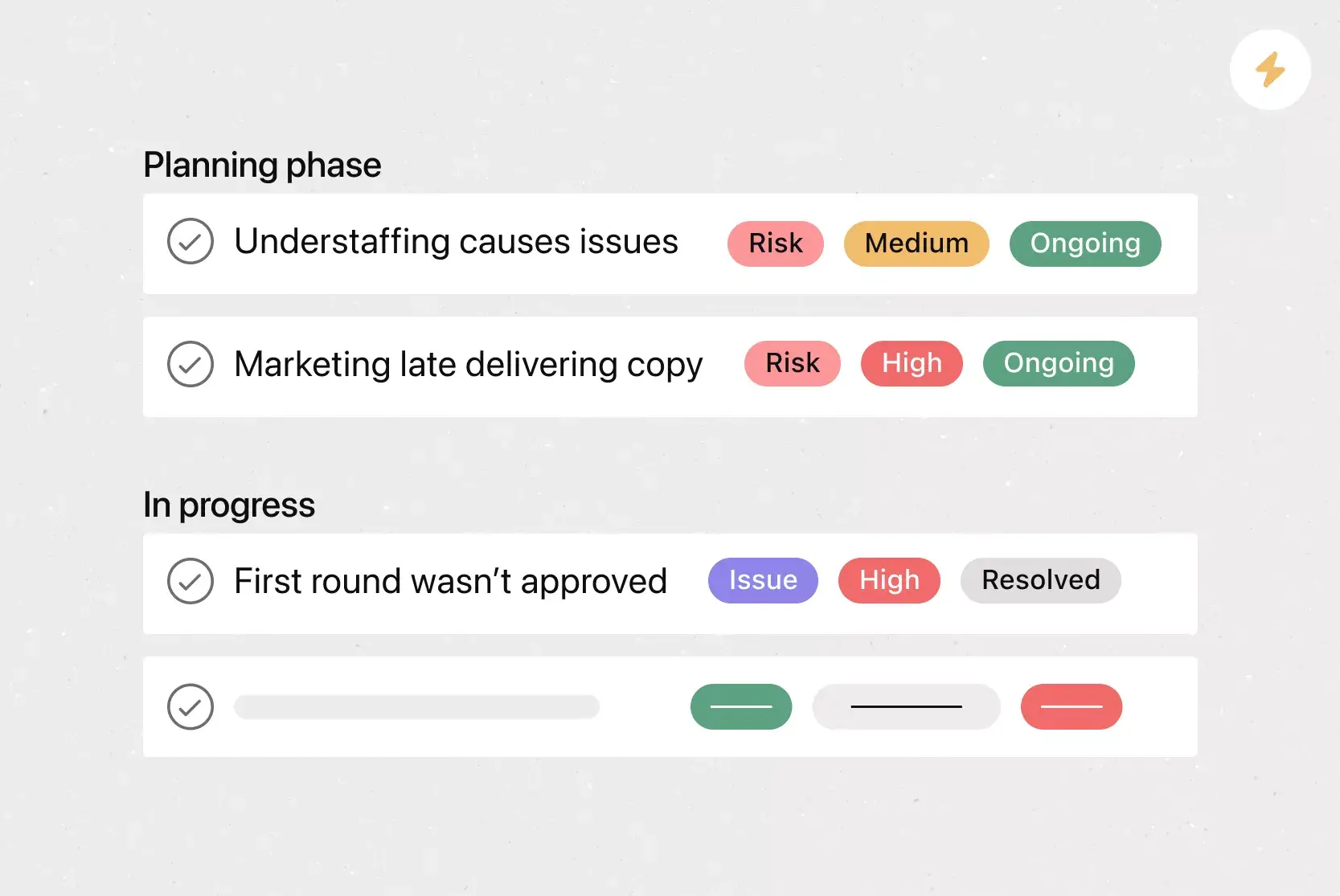
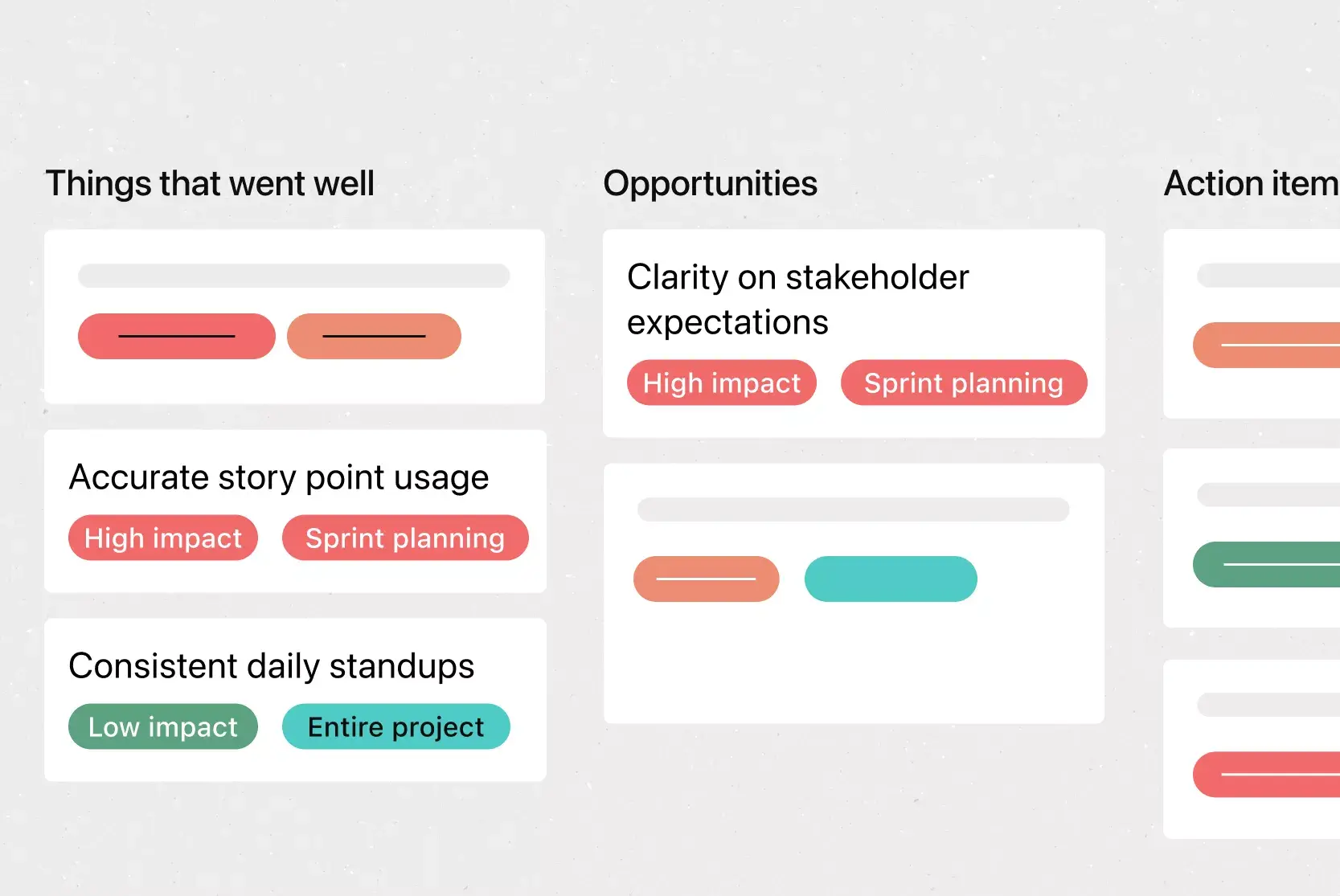
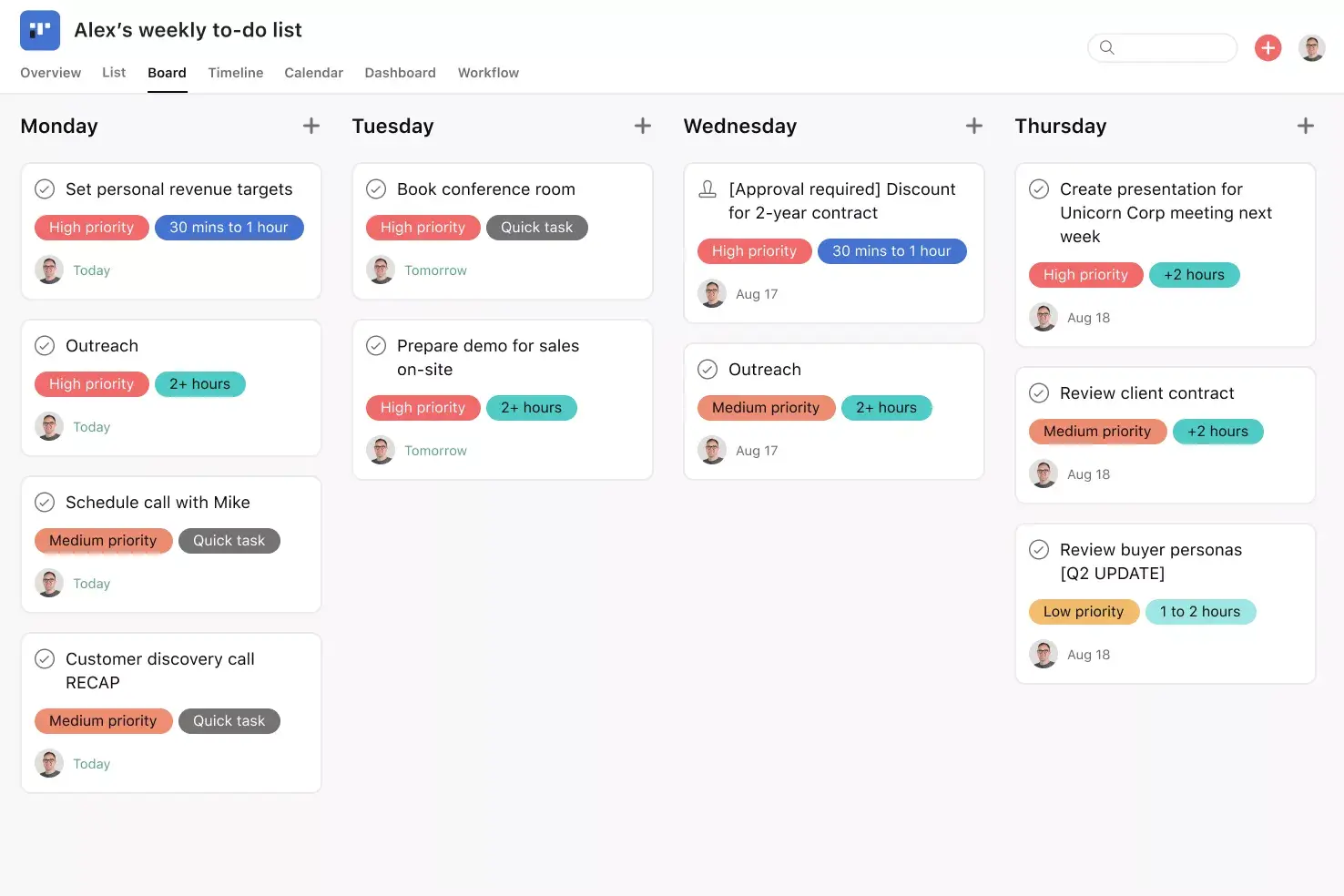
Board View. Board View is a Kanban-style board that displays your project's information in columns. Columns are typically organized by work status (like To Do, Doing, and Done), but you can adjust column titles depending on your project needs. Within each column, tasks are displayed as cards, with a variety of associated information, including task title, due date, and custom fields. Track work as it moves through stages and get an at-a-glance insight into where your project stands.
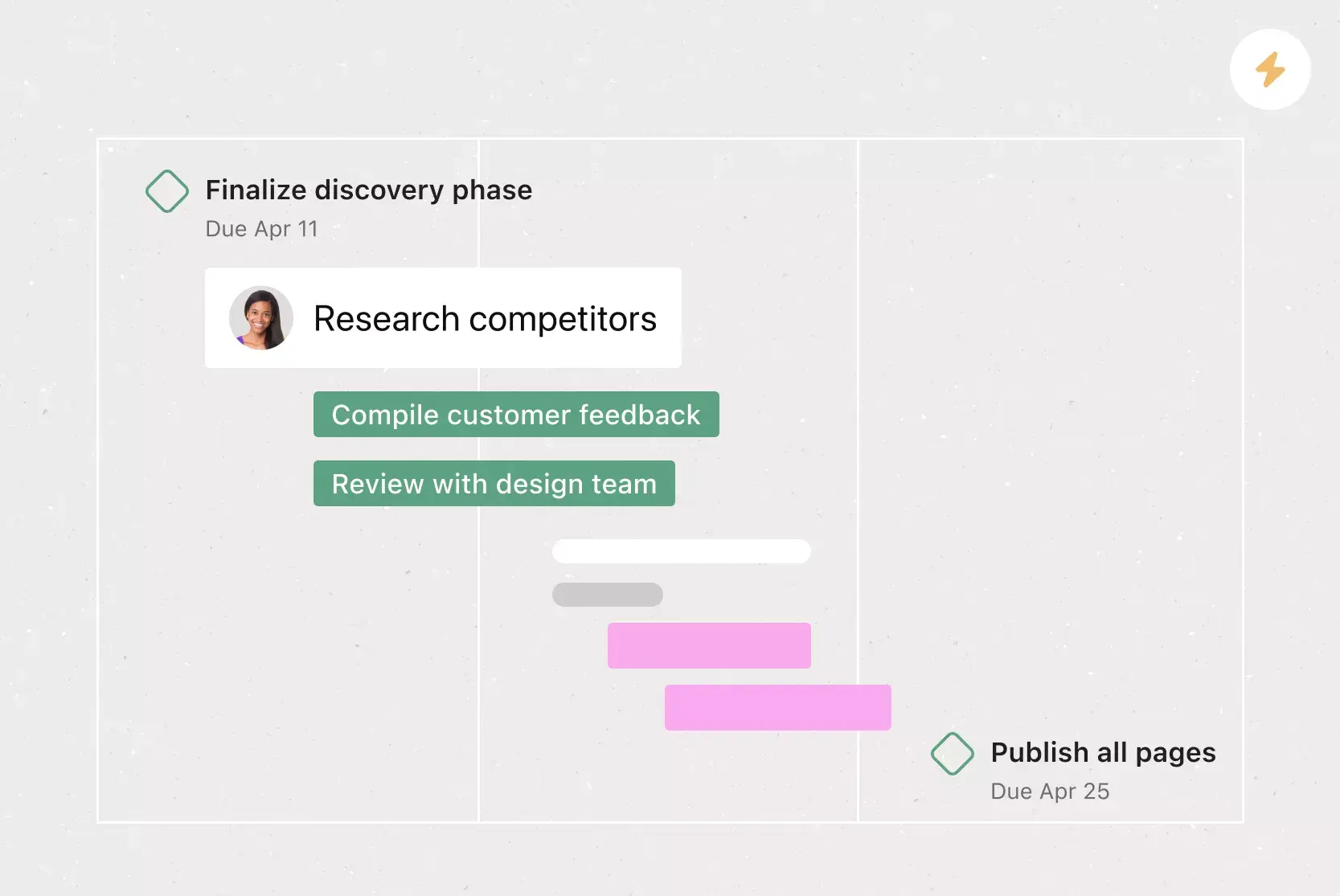
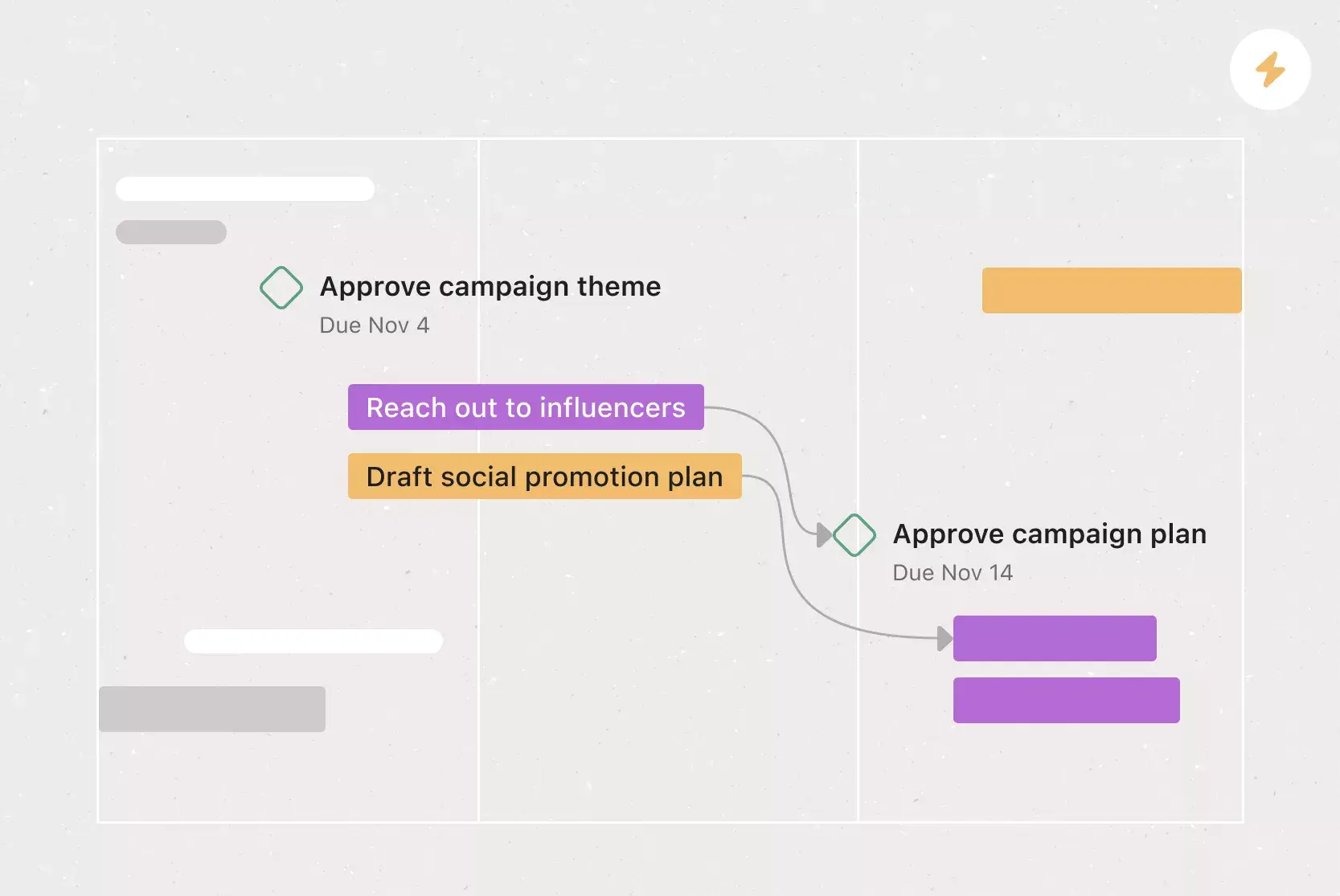
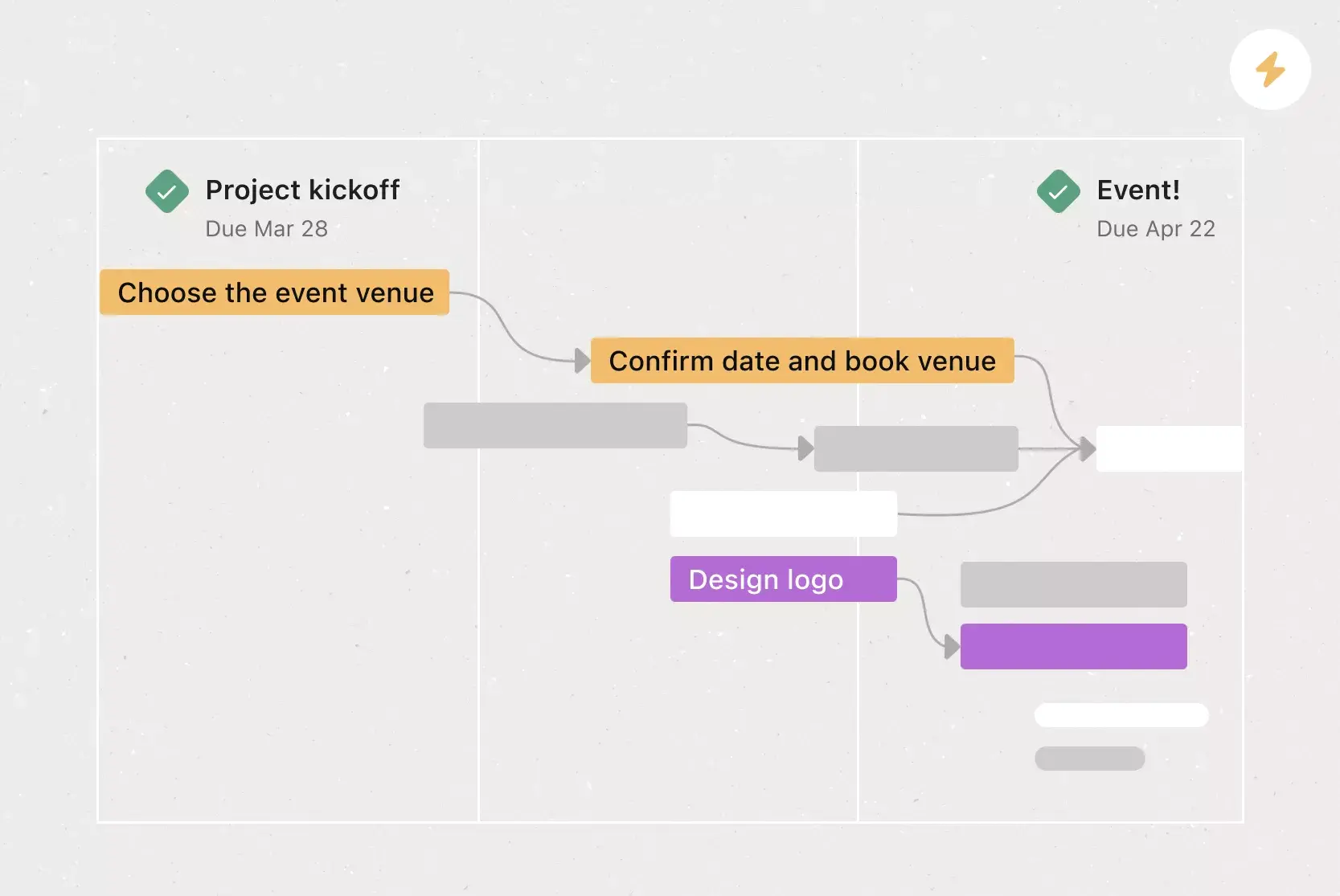
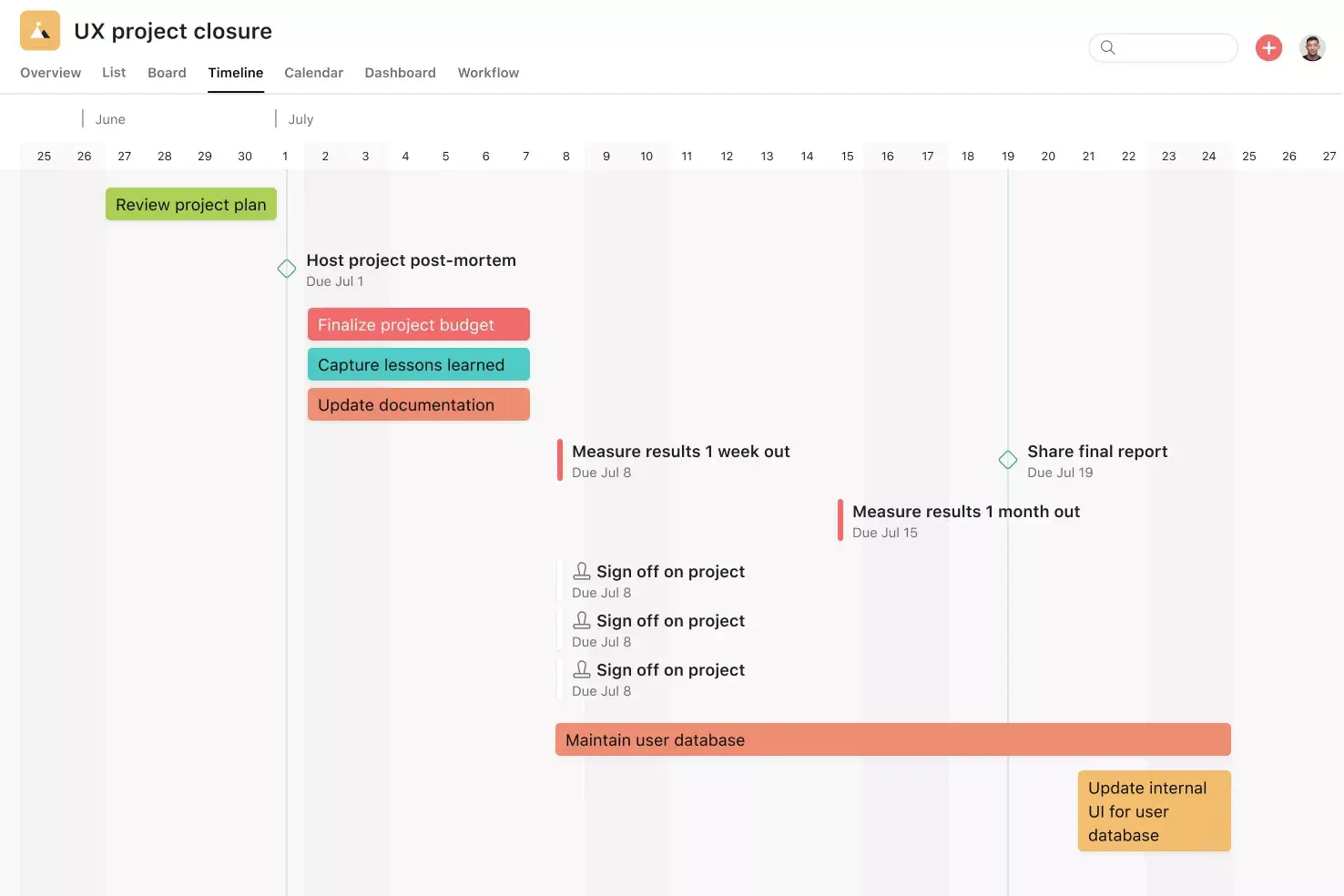
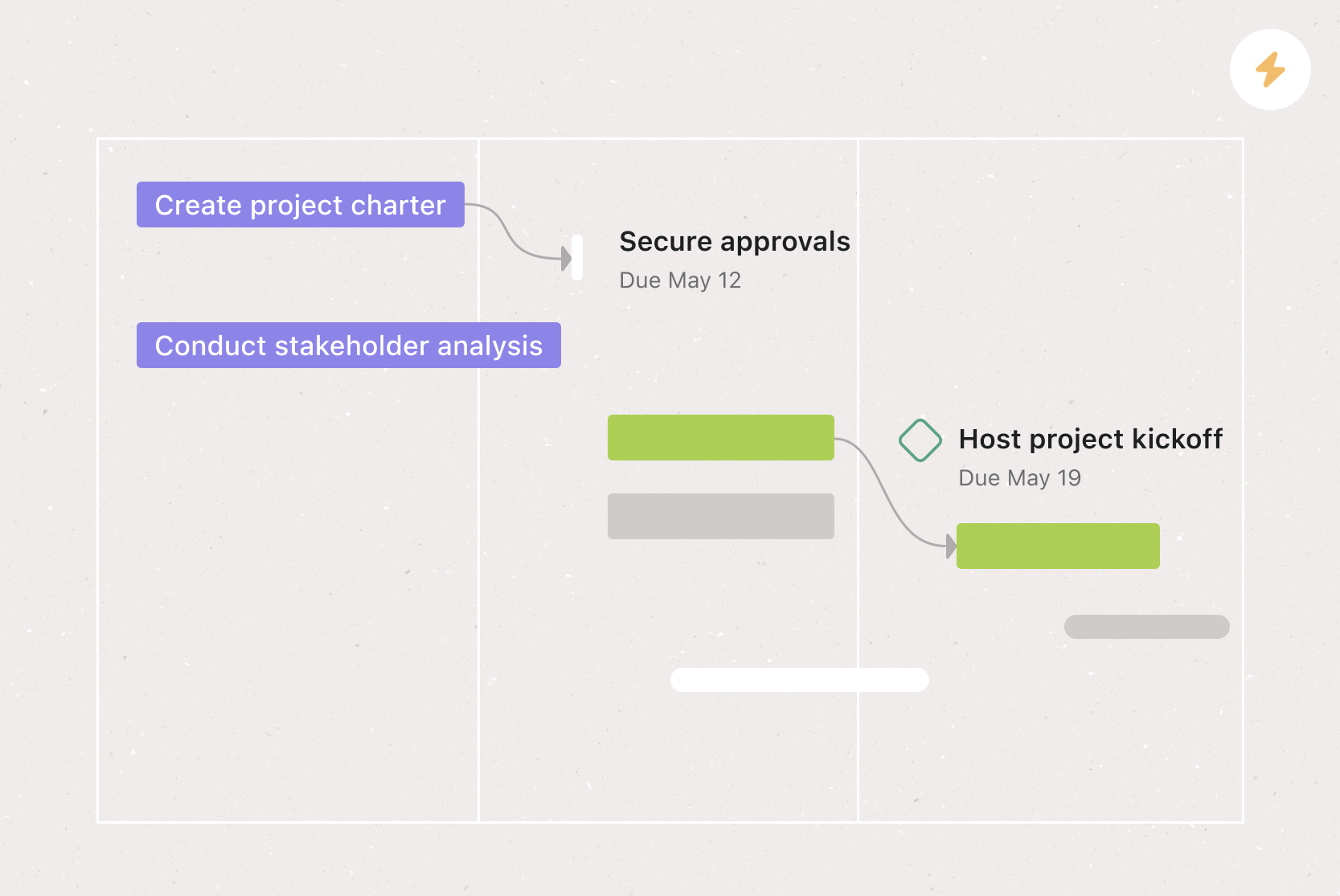
Timeline View. Timeline View is a Gantt-style project view that displays all your tasks as horizontal bars. Not only can you see each task's start and end date, but you can also see dependencies between tasks. With Timeline View, you can easily track how the pieces of your plan fit together. Plus, when you can see all of your work in one place, it's easy to identify and address dependency conflicts before they start, so you can hit all of your goals on schedule.
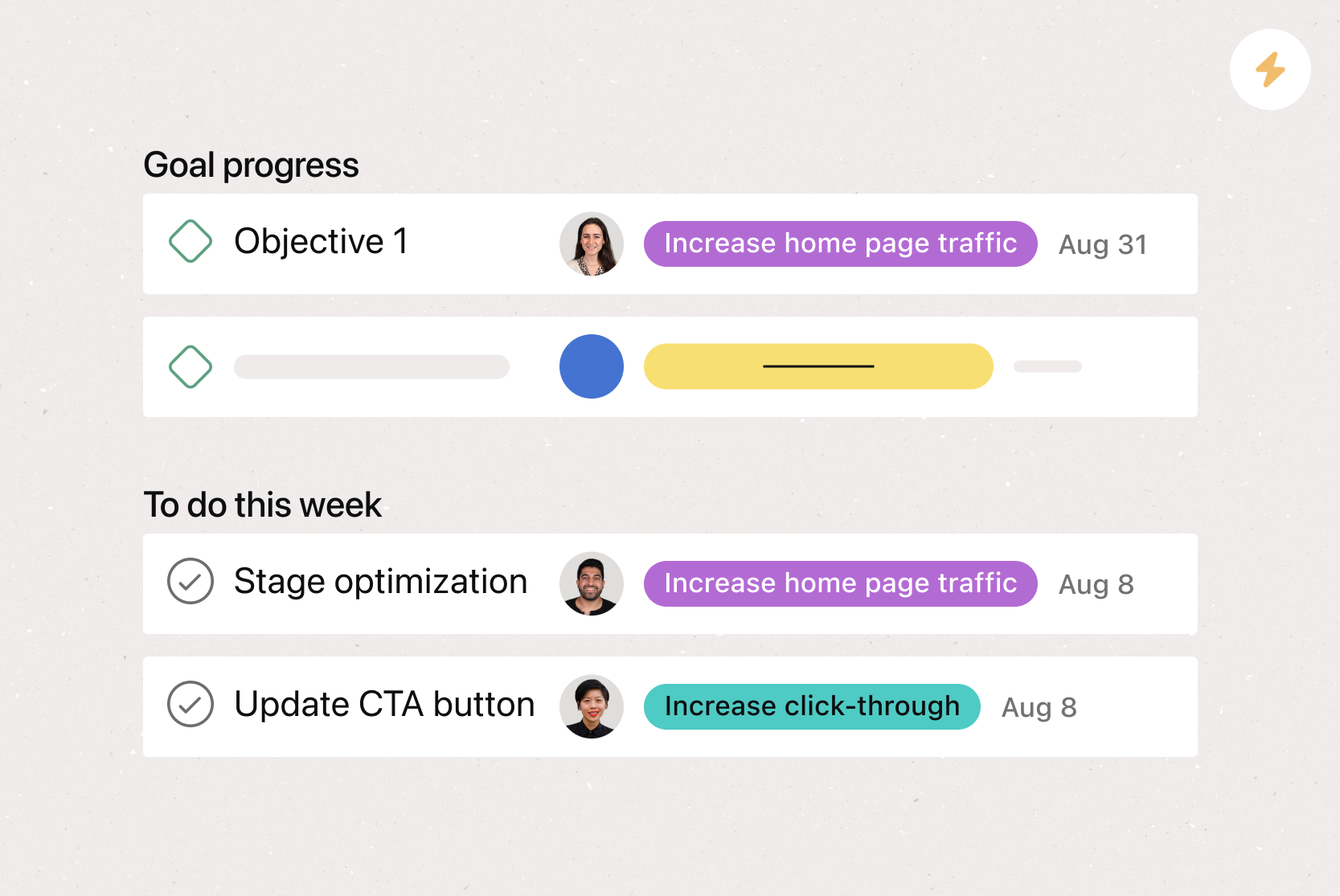
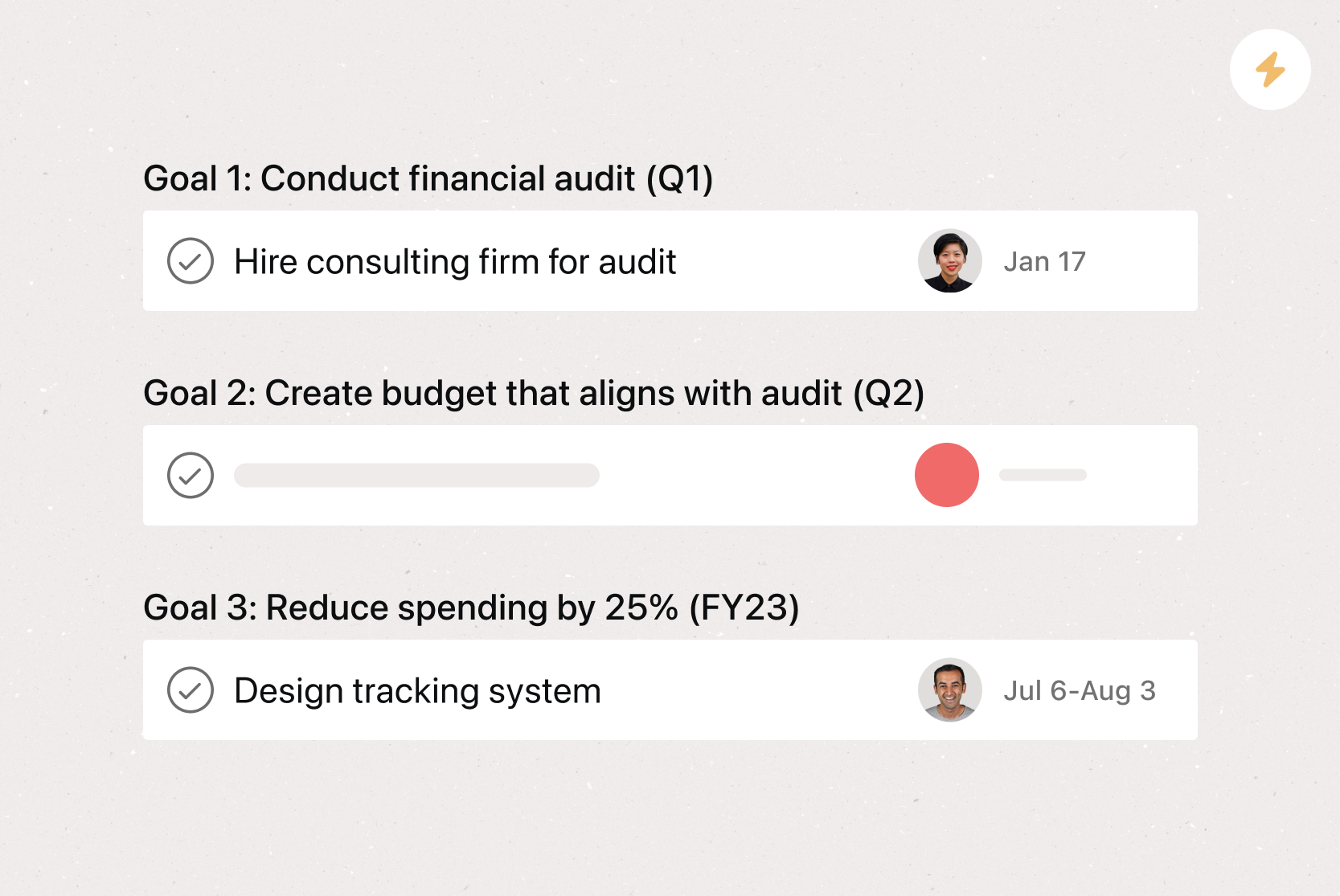
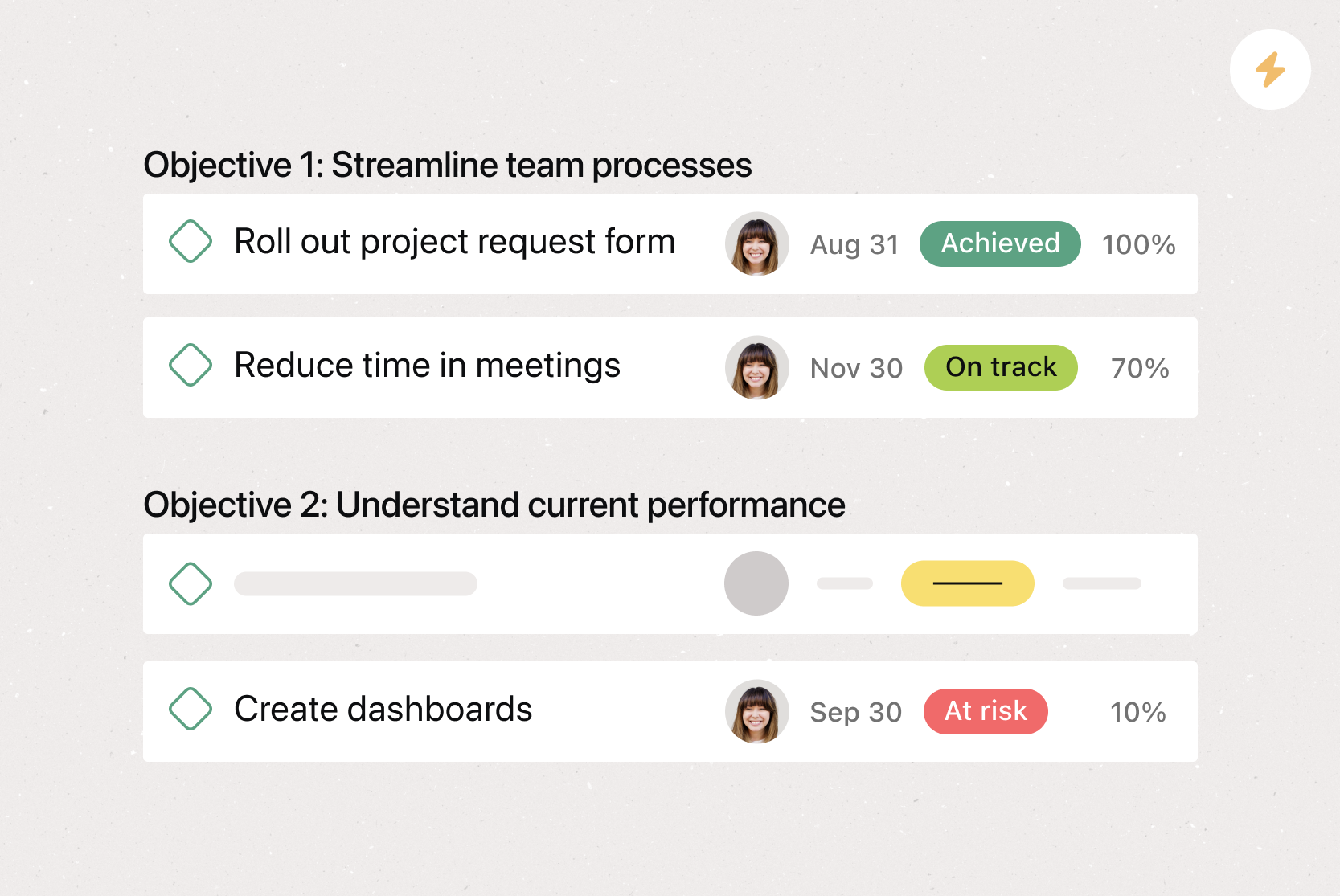
Goals. Goals in Asana directly connect to the work you're doing to hit them, making it easy for team members to see what they're working towards. More often than not, our goals live separately from the work required to achieve them. By connecting your team and company goals to the work that supports them, team members have real-time insight and clarity into how their work directly contributes to your team's and company's success. As a result, team members can make better decisions. If necessary, they can identify the projects that support the company's strategy and prioritize work that delivers measurable results.
Recommended apps
OneDrive. Attach files directly to tasks in Asana using the Microsoft OneDrive file chooser built into the Asana task pane. Easily attach files from Word, Excel, PowerPoint, and more.
Dropbox. Attach files directly to tasks in Asana using the Dropbox file chooser built into the Asana task pane.
Box. Attach files directly to tasks in Asana using the Box file picker built into the Asana task pane.
Build better PR campaigns with Asana
A strong PR plan template keeps your team organized, your messaging consistent, and your campaigns on track. With Asana, you can assign tasks to the right team members, set deadlines for every step, and track progress in real time from one shared source of truth. Ready to streamline your PR planning? Get started with Asana today.
Create a PR planning templateFAQs about PR plan templates
Related templates
![[Template] IT project plan (Card image)](https://assets.asana.biz/transform/8aa523a9-4dcb-4053-8e69-7bdf900b48b9/web-product-template-thumbnail-IT-EN-US?io=transform:fill,width:2560&format=webp)

![[Templates] Operations Project Plan (Card)](https://assets.asana.biz/transform/ec3bf1b9-cbcd-413c-a20c-82bf1dbe10d2/TG23-web-thumbnail-008-risk-management?io=transform:fill,width:2560&format=webp)
![[Templates] RFP Process (Card image)](https://assets.asana.biz/transform/14aa111b-ab22-483f-bfd1-3090acb7d2a5/RFP-process-premium-m?io=transform:fill,width:2560&format=webp)


![[HR Project Plan] template Card Image](https://assets.asana.biz/transform/663b8e5e-89c9-4b0b-b48b-1b17e01d1889/TG23-web-thumbnail-033-process-improvement-static-2x?io=transform:fill,width:2560&format=webp)
![[Templates] Waterfall project management (card image)](https://assets.asana.biz/transform/d87fc21c-53f0-4bc9-9094-9789b963be9b/article-project-management-waterfall-project-management-methodology-2x?io=transform:fill,width:2560&format=webp)
![[Templates] Marketing Project Plan (Card) image](https://assets.asana.biz/transform/af70ac54-97b9-4639-b639-be3a3d951e3e/TG23-web-thumbnail-016-stakeholderregister-static-2x?io=transform:fill,width:2560&format=webp)
![[Templates] Status report (card image)](https://assets.asana.biz/transform/9c82d399-782b-40d3-9eb1-fd7544bef794/article-project-management-project-management-maturity-model-2x?io=transform:fill,width:2560&format=webp)
![[Templates] Event Marketing Plan (Card image)](https://assets.asana.biz/transform/6c7b9329-b612-4732-910a-7917fa079f0b/TG23-web-thumbnail-014-project-chart-static-2x?io=transform:fill,width:2560&format=webp)

![[Templates] Communication plan (card image)](https://assets.asana.biz/transform/3dc9eadf-9d2d-40a2-a05d-63adb32a1de7/article-collaboration-synchronous-vs-asynchronous-communication-2x?io=transform:fill,width:2560&format=webp)

![[Templates] Design Project Plan (Card image)](https://assets.asana.biz/transform/c768a28c-822f-420f-93f9-f2eea4c93780/TG23-web-thumbnail-032-bill-of-materials-static-2x?io=transform:fill,width:2560&format=webp)
Create templates with Asana
Learn how to create a customizable template in Asana. Get started today.