Asana acquires StackAI — now every human-agent workflow runs in one place.Learn more
Milestone chart template
Use this milestone chart template to map key project moments, deadlines, and progress on a timeline. Your team can track checkpoints, spot schedule changes, and reuse the template for future projects.
Create your templateSign up to create your own template.
INTEGRATED FEATURES
Recommended apps


![[product ui] milestone chart template in Asana (timeline view)](https://assets.asana.biz/transform/46f9b6dc-a110-4348-9670-7e49f79b897e/TG23-web-hero-003-milestone-chart-static-2x-en?io=transform:fill,width:2560&format=webp)
Summary
Every project has important moments that mark real progress, from completing a design phase to launching a new product. A milestone chart template provides a reusable way to plot key moments on a visual timeline, helping your team stay aligned, motivated, and focused on what's ahead.
In this article, you'll learn:
What a milestone chart template is and what to include in one
Why and when to use a milestone chart template
The different types of milestone charts
How to create your own reusable template in Asana
What is a milestone chart template?
A milestone chart template is a reusable, visual resource that plots your project's key milestones along a timeline. It breaks complex projects into smaller stages so you can track progress and celebrate your team's wins along the way. Instead of building a new chart for every project, you can save your layout as a template and create a new one with the click of a button.
Milestone chart template example
Below is a simplified example of a milestone chart template used for product launches. You'll see that the milestones separate out the project stages, creating a natural pause where you progress from one series of steps to the next. This milestone chart template can be reused for every new product launch, with slight modifications to customize tasks when needed.
What are project milestones?
Milestones provide opportunities to pause, review, and celebrate (or adjust) before the next phase of work begins. They're natural project breaks where one stage ends, and another begins. For example, when a project moves from:
Discovery to design
Research to UX development
Content planning to writing
Why do you need a milestone chart template?
There's power in celebrating the important steps in your project. Once you've identified key milestones, a milestone chart template helps you track your progress towards deliverables and dependencies in real time. For each new project, you can simply create a new milestone chart by copying your template and filling in the details.
Milestone chart templates:
Provide a visual timeline format that's easy to follow.
Help you identify and celebrate key milestones to keep team morale high.
Organize your project progress in chronological order.
Reduce the work of creating a new milestone chart for every new project.
When should you use a milestone chart template?
You won't always need a milestone chart template. For simpler projects with short timelines, a project tracker or standard project timeline works fine. But when projects are complex or span months (or even years), a milestone chart template helps you break the work into manageable stages.
A milestone chart template is especially useful when:
Your project spans multiple phases or teams
You need to communicate progress to stakeholders at a glance
Deliverables are spread across months or quarters
You want to celebrate team wins at key checkpoints along the way
Milestone chart example scenario
Imagine you're developing a new product. The end goal is to go to market, but that could take years. Looking at this product schedule as a whole might be discouraging because it's hard to get excited about end dates so far in the future.
To hype up the team, you need to start celebrating the smaller milestones as they happen. With a project milestone chart template, you can identify key events and label them as milestones, like when the team completes the UX design and the marketing team creates a product launch plan.
Types of milestone charts
Not all milestone charts look the same. The type you choose depends on your project's complexity and which project charts best communicate updates to your team or stakeholders.
Timeline milestone chart: This is the simplest format. It plots milestones on a horizontal timeline, showing when key events are expected. It's a good fit for high-level project overviews or stakeholder presentations where you want to highlight progress without getting into task-level detail.
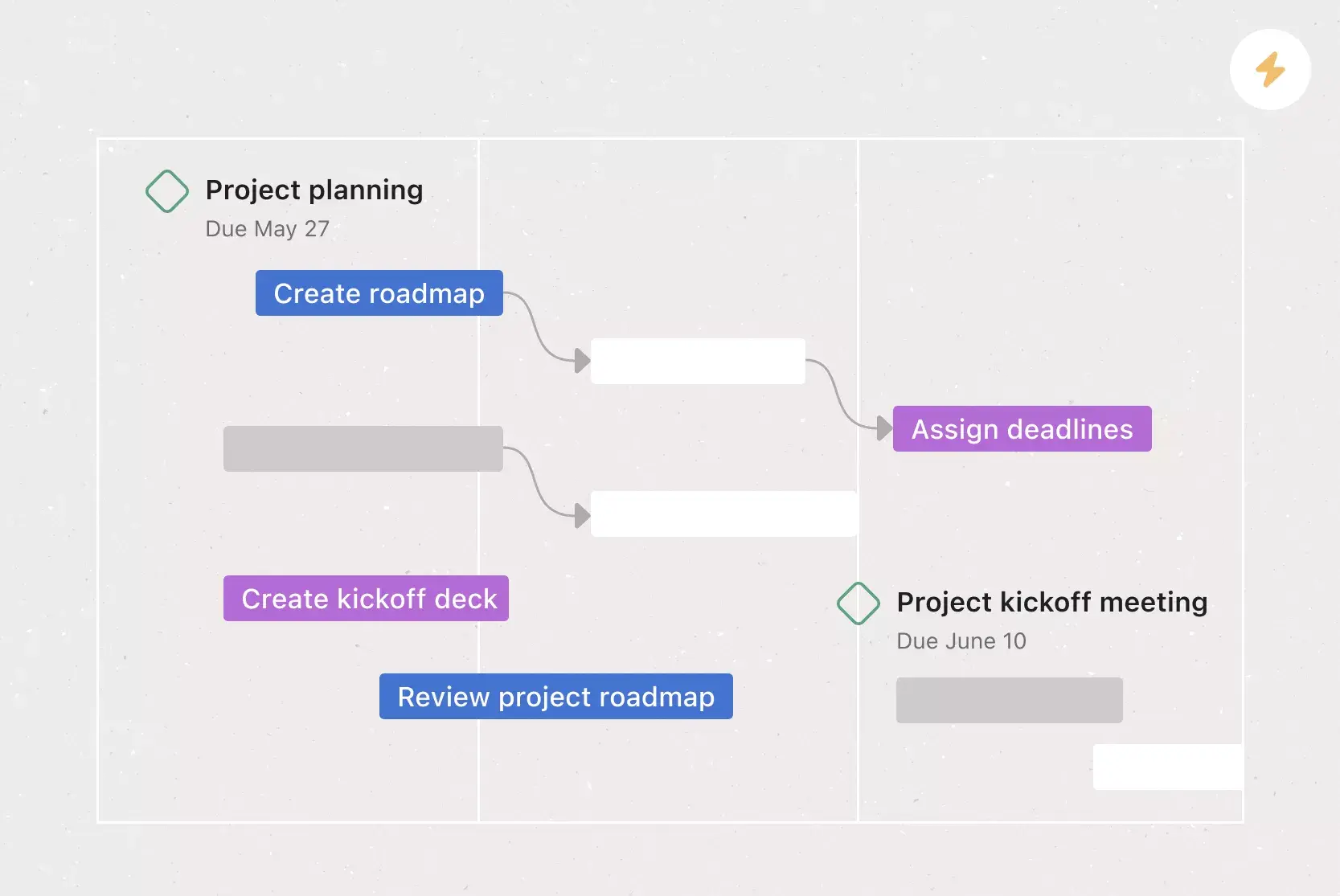
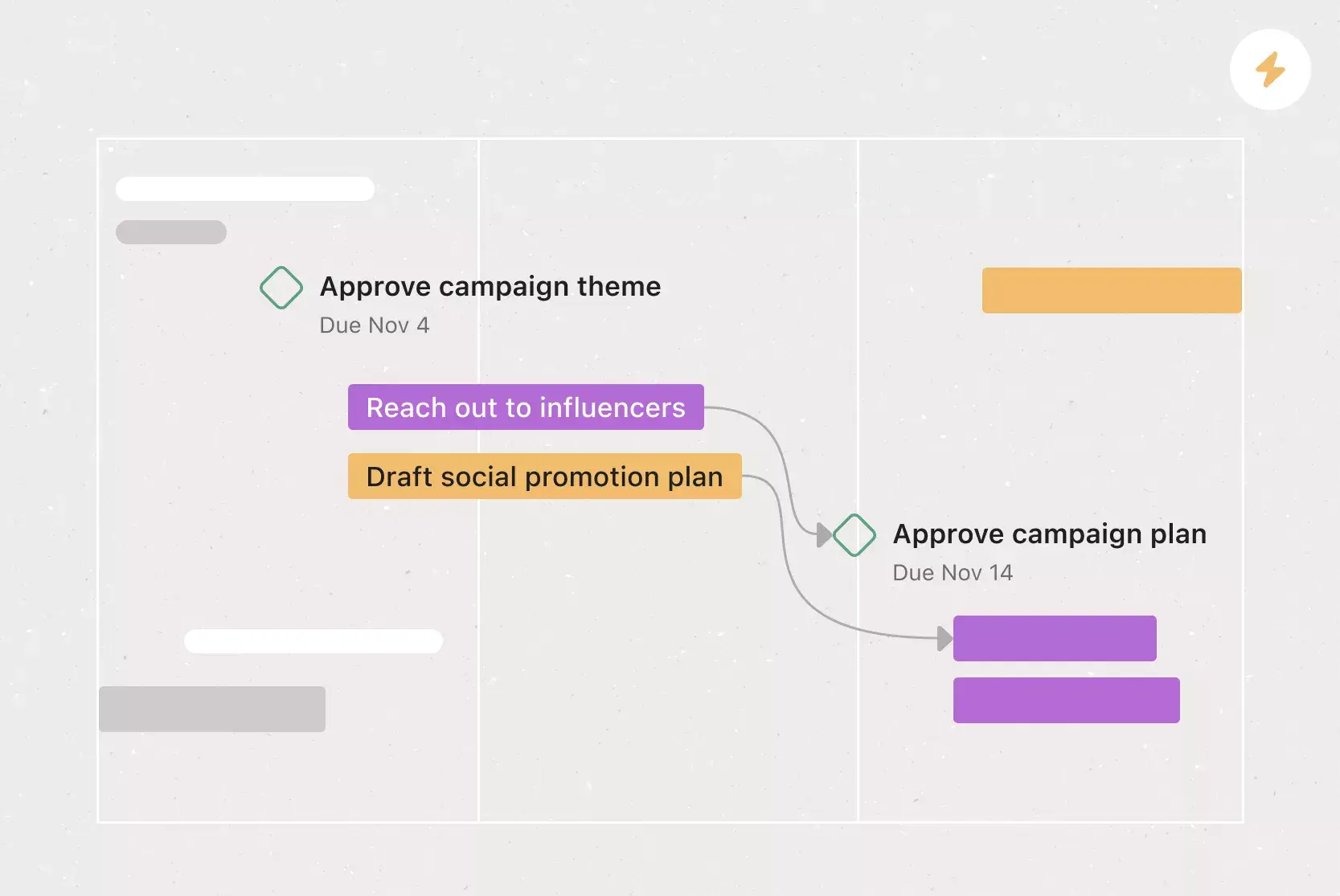
Gantt chart with milestones: A Gantt chart displays tasks as horizontal bars across a timeline, with milestones marked as diamond-shaped indicators at key points. This format gives you both task-level detail and milestone visibility, making it ideal for projects where you need to track dependencies and deadlines alongside major checkpoints.
Multi-stage milestone chart: For larger projects that span multiple phases, a multi-stage milestone chart groups milestones by phase or workstream. This helps you track progress across different stages of work simultaneously, which is especially useful for cross-functional projects like product launches or organizational rollouts.
How to create a milestone chart template
For your milestone chart template to be most effective, you need to track each project component. Use a work management tool that allows you to connect tasks, deadlines, and team members directly to your milestone chart. With integrations, you can also attach documents, files, and notes to each milestone and task.
Once your milestone chart template is set up, follow these steps to populate it:
List all tasks your team needs to complete within a given timeframe (e.g., Q1).
Group tasks into phases or themes, then add a milestone to mark the completion of each group.
Plot your milestones on a horizontal timeline.
Set deadlines, assign team members, and attach any related documents, briefs, or meeting transcripts.
For each new project, copy your template to create a new milestone chart during the project planning stage of project management. Use it alongside your project roadmap, business case, or as its own, free-standing project guide.
Create your templateWhat should a milestone chart template include?
There's no one-size-fits-all template. The best milestone chart template will be the one that works for you and your team's needs. Here are some best practices for what to include:
An area to define project goals
A task list
Milestones scheduled in an estimated cadence
A timeline
Collaborators
Space to connect tasks to files
Time built into the schedule to celebrate milestones
Integrated features
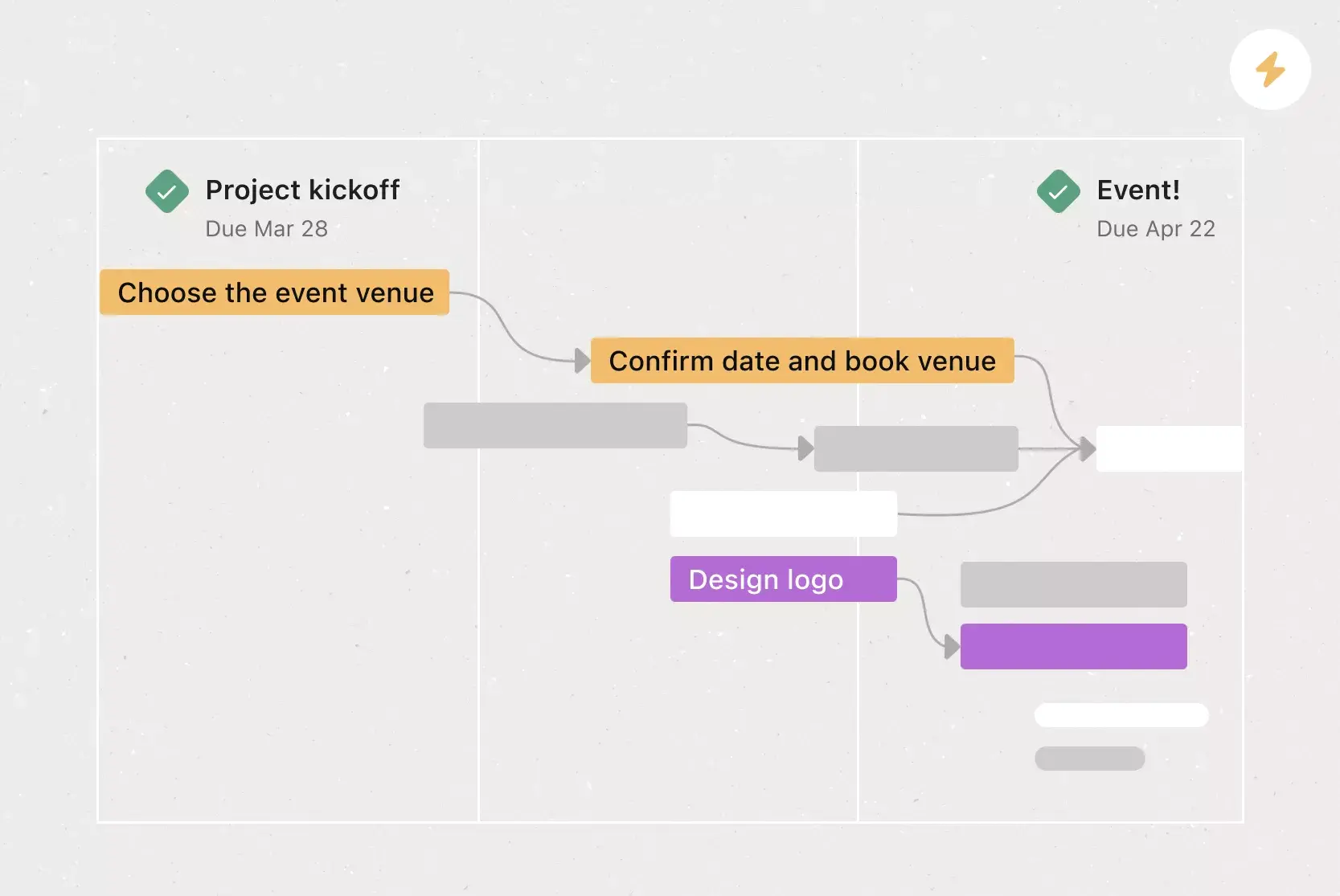
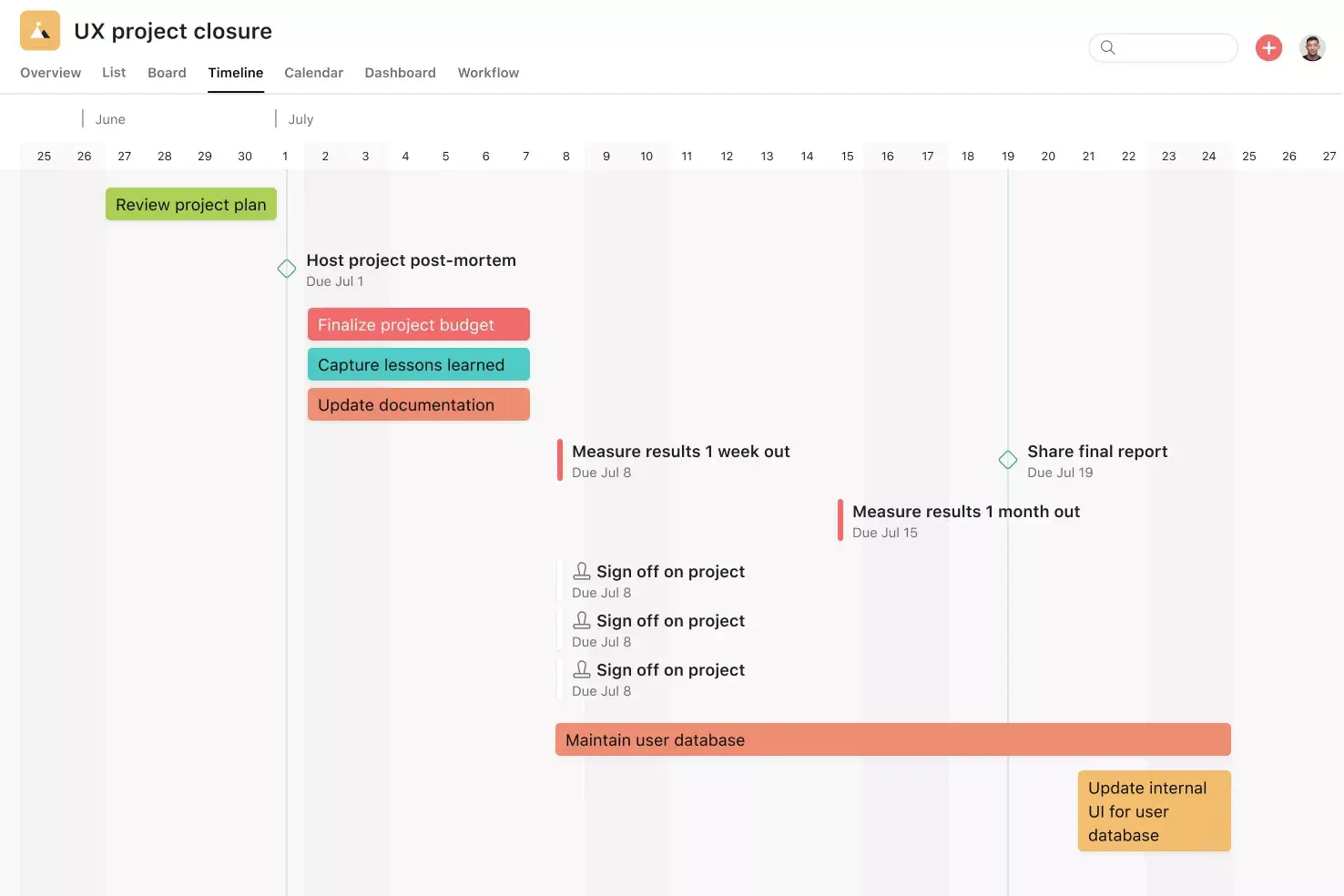
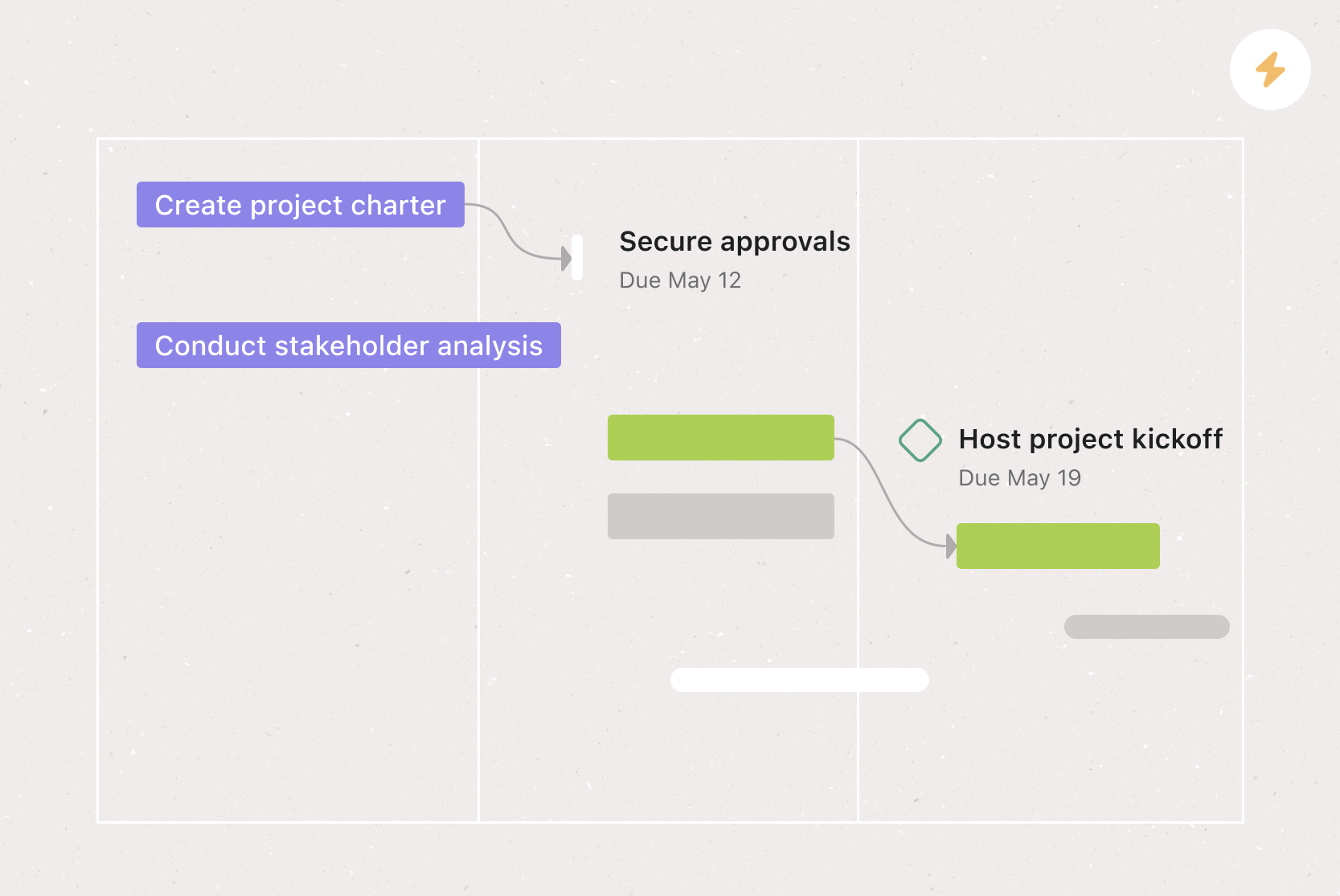
Timeline View. Timeline View is a Gantt-style project view that displays all your tasks as horizontal bars. You can see each task's start and end date, plus dependencies between tasks, so it's easy to identify and address conflicts before they start.
Milestones. Milestones represent important project checkpoints. By setting milestones throughout your project, you can let your team members and project stakeholders know how you're pacing towards your goal.
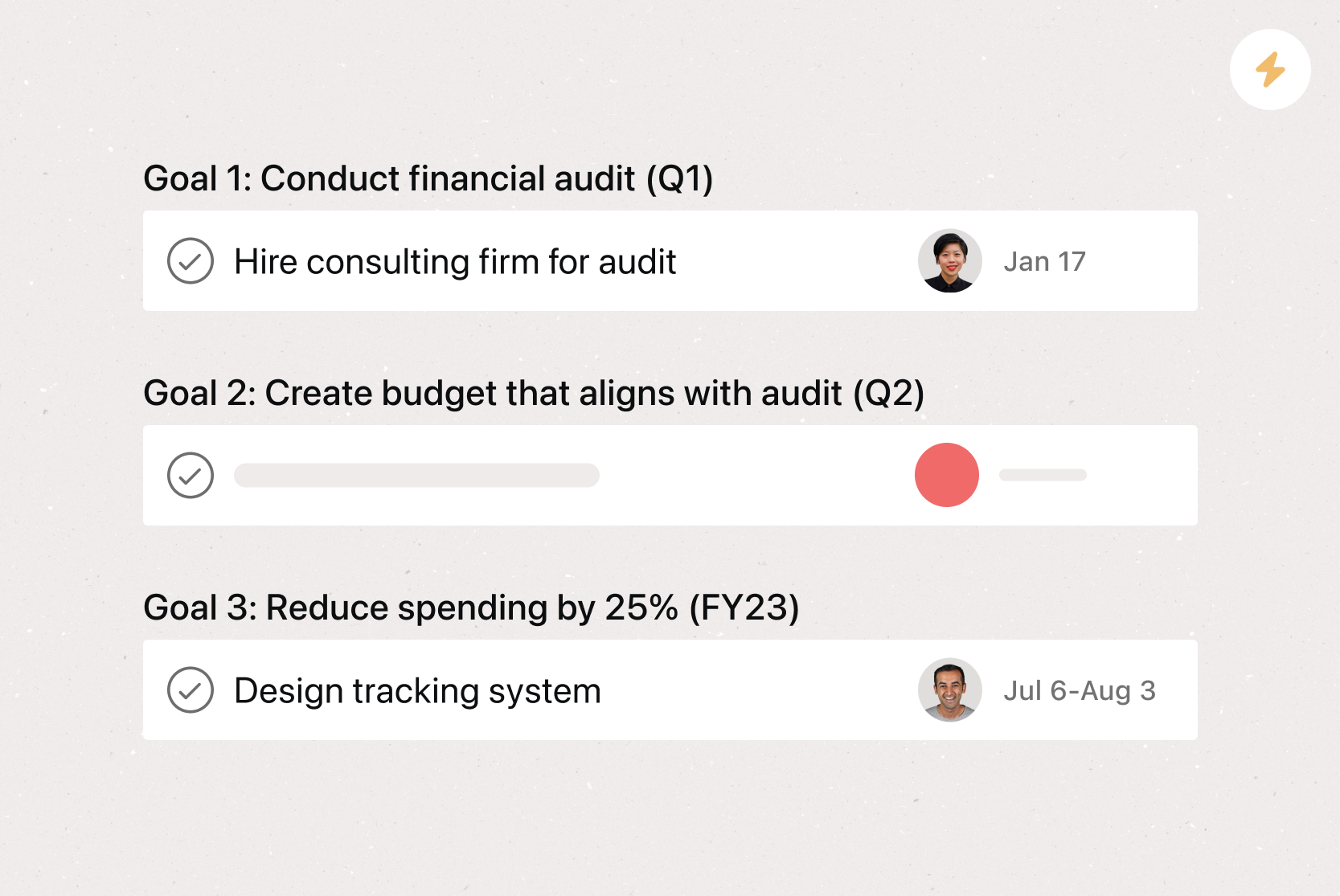
Goals. Goals in Asana connect directly to the work your team is doing, so everyone can see how their tasks contribute to broader company goals. This real-time visibility helps team members prioritize the right work and make better decisions.
Project Overview. Project Overview gives your team a bird's-eye view of the what, why, and how of your project. Add a description, share meeting details, and attach project briefs so all your context lives in one place.
Recommended apps
Google Workplace. Attach files directly to tasks in Asana using the Google Workplace file chooser built into the Asana task pane. Easily attach any My Drive file with just a few clicks.
Slack. Turn ideas, work requests, and action items from Slack into trackable tasks and comments in Asana. Go from quick questions and action items to tasks with assignees and due dates.
Clockwise. With the Clockwise + Asana integration, you can add Asana tasks as time blocks in your Google Calendar. Specify the duration of tasks, when they happen, and whether Clockwise can automatically reschedule them.
Zoom. The Zoom + Asana integration helps your team prepare for meetings, capture action items during calls, and pull transcripts and recordings back into Asana. It keeps everything connected so details don't get lost after the call ends.
Once you have your ideal milestone chart, save it as a template to reduce the work of creating one for each and every project.
Get started with milestone chart templates in Asana
A milestone chart template takes the guesswork out of tracking project progress. Instead of building a new chart from scratch every time, you can use a template to quickly set up milestones, assign tasks, and keep your team focused on the work that matters most.
Asana makes it easy to create milestone chart templates that connect directly to your tasks, timelines, and goals. With features like Timeline View, built-in milestones, and over 300 integrations, you can build a milestone chart that fits the way your team already works. Get started and create your first milestone chart template today.
Create a milestone chart templateFAQs about milestone chart templates
How do you create a milestone chart template?
How do I create a milestone chart template online?
What should be included in a milestone chart template?
What is the purpose of a milestone chart template?
What is the difference between a milestone chart template and a Gantt chart template?
Related templates
![[Template] IT project plan (Card image)](https://assets.asana.biz/transform/8aa523a9-4dcb-4053-8e69-7bdf900b48b9/web-product-template-thumbnail-IT-EN-US?io=transform:fill,width:2560&format=webp)
![[Templates] Operations Project Plan (Card)](https://assets.asana.biz/transform/ec3bf1b9-cbcd-413c-a20c-82bf1dbe10d2/TG23-web-thumbnail-008-risk-management?io=transform:fill,width:2560&format=webp)
![[Templates] RFP Process (Card image)](https://assets.asana.biz/transform/14aa111b-ab22-483f-bfd1-3090acb7d2a5/RFP-process-premium-m?io=transform:fill,width:2560&format=webp)

![[HR Project Plan] template Card Image](https://assets.asana.biz/transform/663b8e5e-89c9-4b0b-b48b-1b17e01d1889/TG23-web-thumbnail-033-process-improvement-static-2x?io=transform:fill,width:2560&format=webp)
![[Templates] Waterfall project management (card image)](https://assets.asana.biz/transform/d87fc21c-53f0-4bc9-9094-9789b963be9b/article-project-management-waterfall-project-management-methodology-2x?io=transform:fill,width:2560&format=webp)
![[Templates] Marketing Project Plan (Card) image](https://assets.asana.biz/transform/af70ac54-97b9-4639-b639-be3a3d951e3e/TG23-web-thumbnail-016-stakeholderregister-static-2x?io=transform:fill,width:2560&format=webp)
![[Templates] Status report (card image)](https://assets.asana.biz/transform/9c82d399-782b-40d3-9eb1-fd7544bef794/article-project-management-project-management-maturity-model-2x?io=transform:fill,width:2560&format=webp)
![[Templates] Event Marketing Plan (Card image)](https://assets.asana.biz/transform/6c7b9329-b612-4732-910a-7917fa079f0b/TG23-web-thumbnail-014-project-chart-static-2x?io=transform:fill,width:2560&format=webp)

![[Templates] Communication plan (card image)](https://assets.asana.biz/transform/3dc9eadf-9d2d-40a2-a05d-63adb32a1de7/article-collaboration-synchronous-vs-asynchronous-communication-2x?io=transform:fill,width:2560&format=webp)

![[Templates] Design Project Plan (Card image)](https://assets.asana.biz/transform/c768a28c-822f-420f-93f9-f2eea4c93780/TG23-web-thumbnail-032-bill-of-materials-static-2x?io=transform:fill,width:2560&format=webp)
Create templates with Asana
Learn how to create a customizable template in Asana. Get started today.