Asana acquires StackAI — now every human-agent workflow runs in one place.Learn more
Postmortem template
Reflect on what went well and what to improve after every project. Use this postmortem template to run structured reviews and track action items.
Create your templateSign up to create your own template.
INTEGRATED FEATURES
Recommended apps


![[product ui] Project postmortem in Asana, Kanban style project view (Boards)](https://assets.asana.biz/transform/a171d554-1d99-4296-a190-2dd2b43becdc/TG23-web-hero-049-launch-post-mortem-static-2x?io=transform:fill,width:2560&format=webp)
Summary
The best project managers know that a project isn't complete when the last deliverable is finished. Once the work is done, your team can reflect on what went well and what could have gone better with a project postmortem.
When you templatize the postmortem process, these meetings become effortless and easy to run after every project.
What is a project postmortem?
A project postmortem is a meeting held at the end of a project to reflect on what went well and what could be improved. It gives your team an opportunity to celebrate wins, review workflows, and identify process improvements for the next project.
What is a postmortem template?
A postmortem template is a structured framework for running postmortem meetings at the end of every project. Teams use it to plan the meeting, gather team members' reflections, and organize action items.
Create a postmortem templateWhen to use a postmortem template?
Postmortem templates are useful in several specific situations:
For postmortem meetings: Use a postmortem template to track action items, decisions, and deliverables that come up during the meeting.
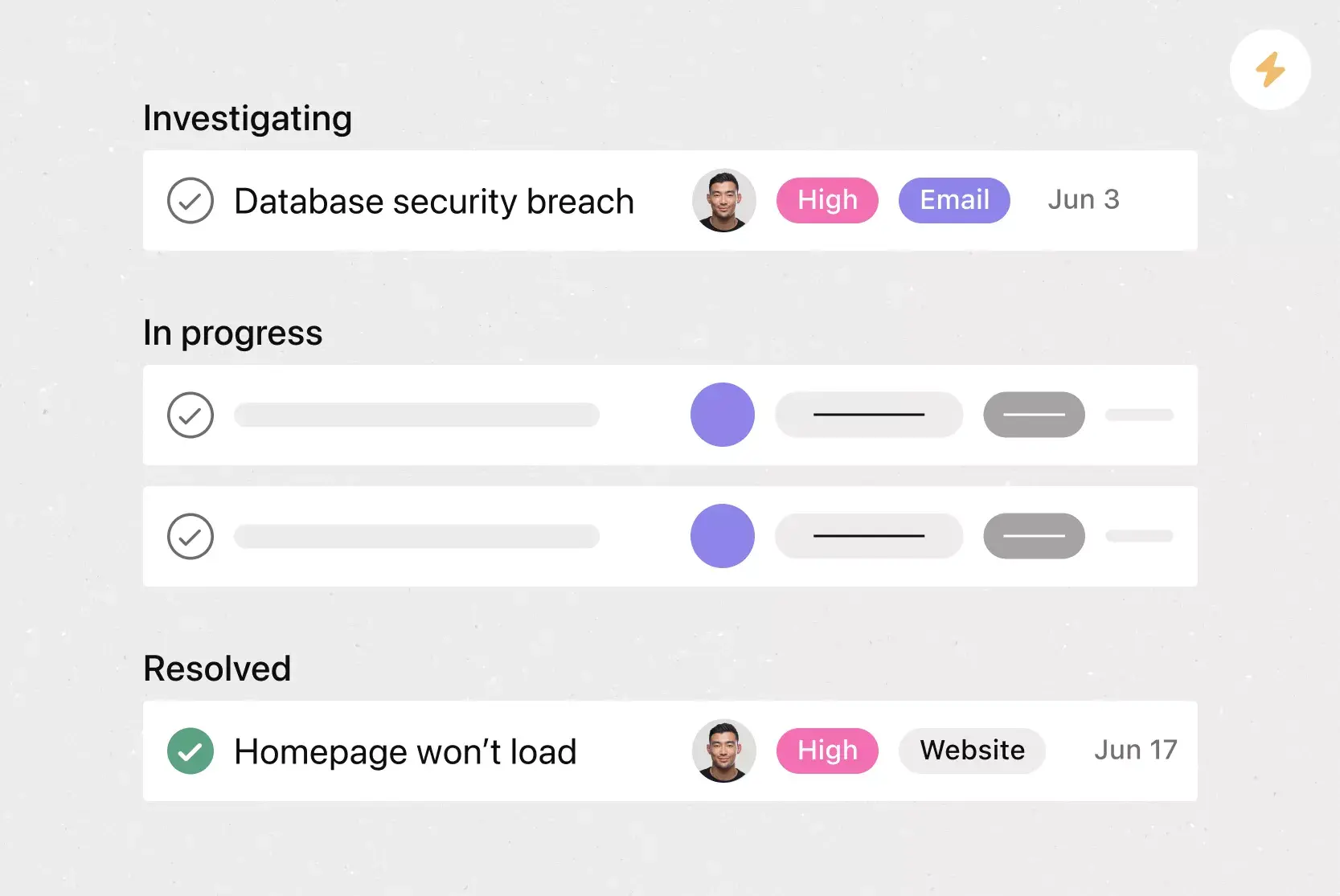
After incident responses: When your team has an outage or major incident, a postmortem template helps you identify the root cause and go through the same review steps every time.
To automate postmortem workflows: Some project management software lets you connect surveys and forms to templates. Pre-populate talking points before the meeting begins to streamline the process.
Why use a postmortem template?
A postmortem template helps establish consistent processes across your company and builds a culture of reflection and continuous improvement. They work especially well for teams using Agile project management methods.
Implement best practices: As you conduct more postmortem meetings, you discover what strategies work best. Adjust your template in real time so best practices are ready for the next project.
Templates are adaptable: Use a template as a starting point, then let individual teams adapt it to fit their specific needs and workflows.
Provide consistency: Running a postmortem or retrospective after every project sets expectations. Your team will anticipate the meeting and provide more specific feedback over time.
How to create a postmortem template
A postmortem template is used before and during a postmortem meeting. Follow these steps to build one your team can reuse after every project.
Knowing this, your postmortem template should contain the following:
Things that went well
Things that didn't go well
What to improve for next time
Action items
Action item priority
The individual responsible for each action item
1. Define the sections your template needs
Start with the three core categories every postmortem should cover: what went well, what didn't go well, and what to improve next time. Add fields for project name, date, and team members involved so each postmortem is easy to reference later.
2. Add a space for action items
Include a dedicated section where your team can log specific next steps. Each action item should have an owner, a priority level, and a due date so nothing falls through the cracks after the meeting ends.
3. Include prompts to guide discussion
Add guiding questions under each section to help team members prepare their input before the meeting. For example, under "what didn't go well," prompt the team to identify root causes rather than symptoms.
4. Choose a format and tool
Decide where your template will live. A project management tool like Asana lets you duplicate the template for each new project, assign owners to action items, and track follow-through in one place.
5. Test and refine after your first use
Run your first postmortem with the template, then ask the team what worked and what felt unnecessary. Update the template based on that feedback so it improves with every project.
How to run a postmortem meeting
A well-run postmortem meeting turns reflection into action. Follow these steps to keep the conversation focused and productive.
Set the tone with a blameless approach: Establish that the meeting is about learning, not assigning blame. Emphasize that mistakes are opportunities for growth.
Review the project timeline: Walk through key milestones, deadlines, and deliverables. Identify where the project stayed on track and where it diverged. Use a project timeline template to visualize progress.
Discuss what went well: Celebrate wins and recognize team contributions. Understanding what worked helps replicate successful strategies.
Identify what could improve: Discuss challenges, bottlenecks, and missed expectations. Focus on systemic issues rather than individual performance.
Define action items with owners: Assign each improvement area to a team member with a firm deadline.
Document and share findings: Record outcomes in your postmortem template and share with stakeholders to build institutional knowledge.
Project postmortem example
Seeing a completed postmortem helps your team understand how to fill out each section. Here is an example of a website redesign project.
Project: Company website redesign
Project manager: Jordan Lee
Date: March 15, 2026
What went well:
Cross-functional collaboration between design and engineering teams was strong throughout the project.
The team delivered all core pages on schedule, meeting the original launch deadline.
Bi-weekly stakeholder feedback sessions kept alignment and reduced late-stage revisions.
What didn't go well:
The mobile optimization phase took two weeks longer than planned because requirements were not fully scoped up front.
Content migration was more time-consuming than estimated, causing a bottleneck in the final sprint.
What to improve for next time:
Include mobile requirements in the initial project scope to avoid mid-project scope changes.
Build a content migration checklist and allocate dedicated resources for migration tasks.
Add a buffer sprint before launch for QA and final adjustments.
Action items:
Create a mobile requirements checklist for future web projects (Owner: Jordan Lee, Due: April 1)
Document the content migration process as a reusable playbook (Owner: Sam Chen, Due: April 15)
Add a QA sprint to the standard project template (Owner: Jordan Lee, Due: April 1)
Integrated features
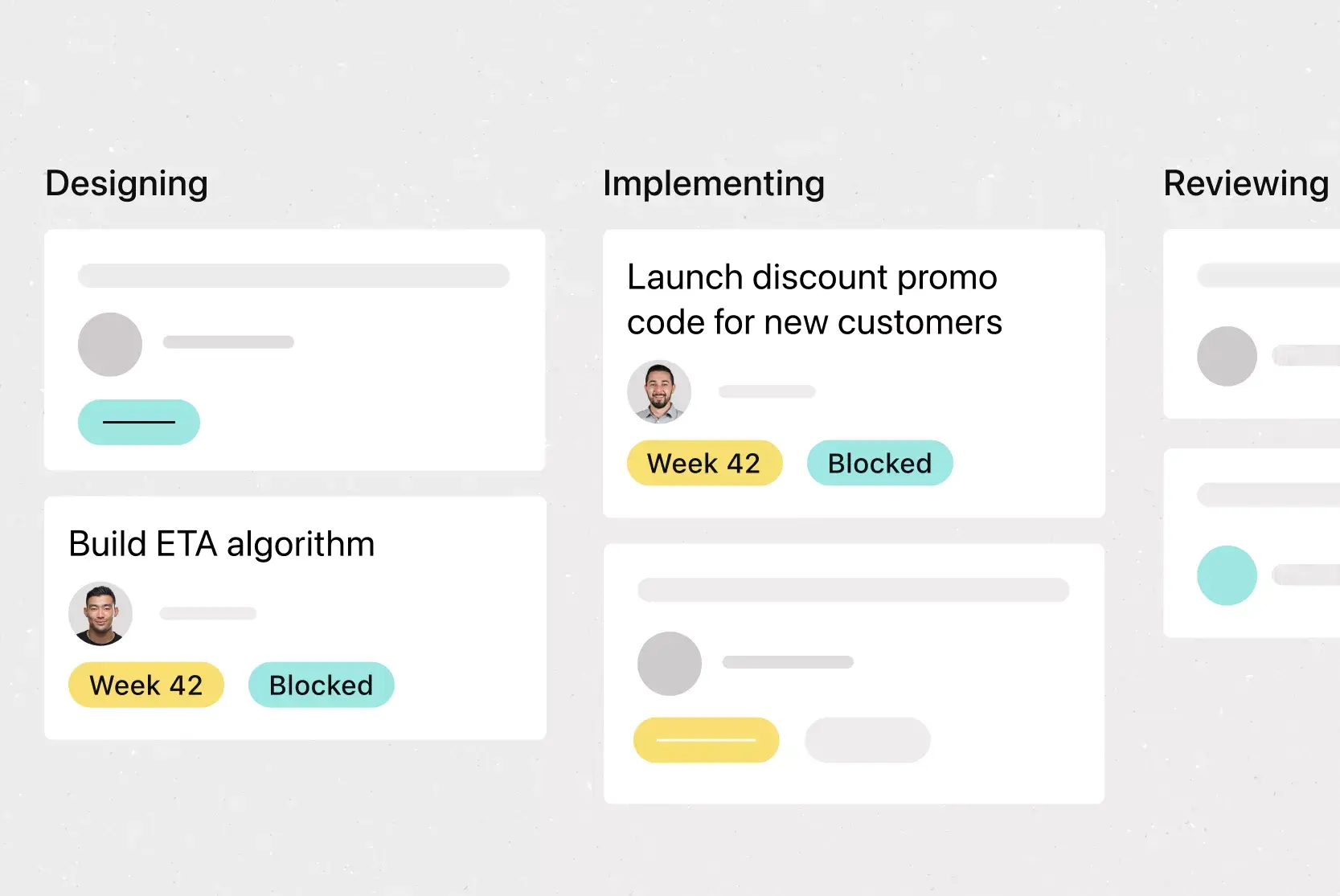
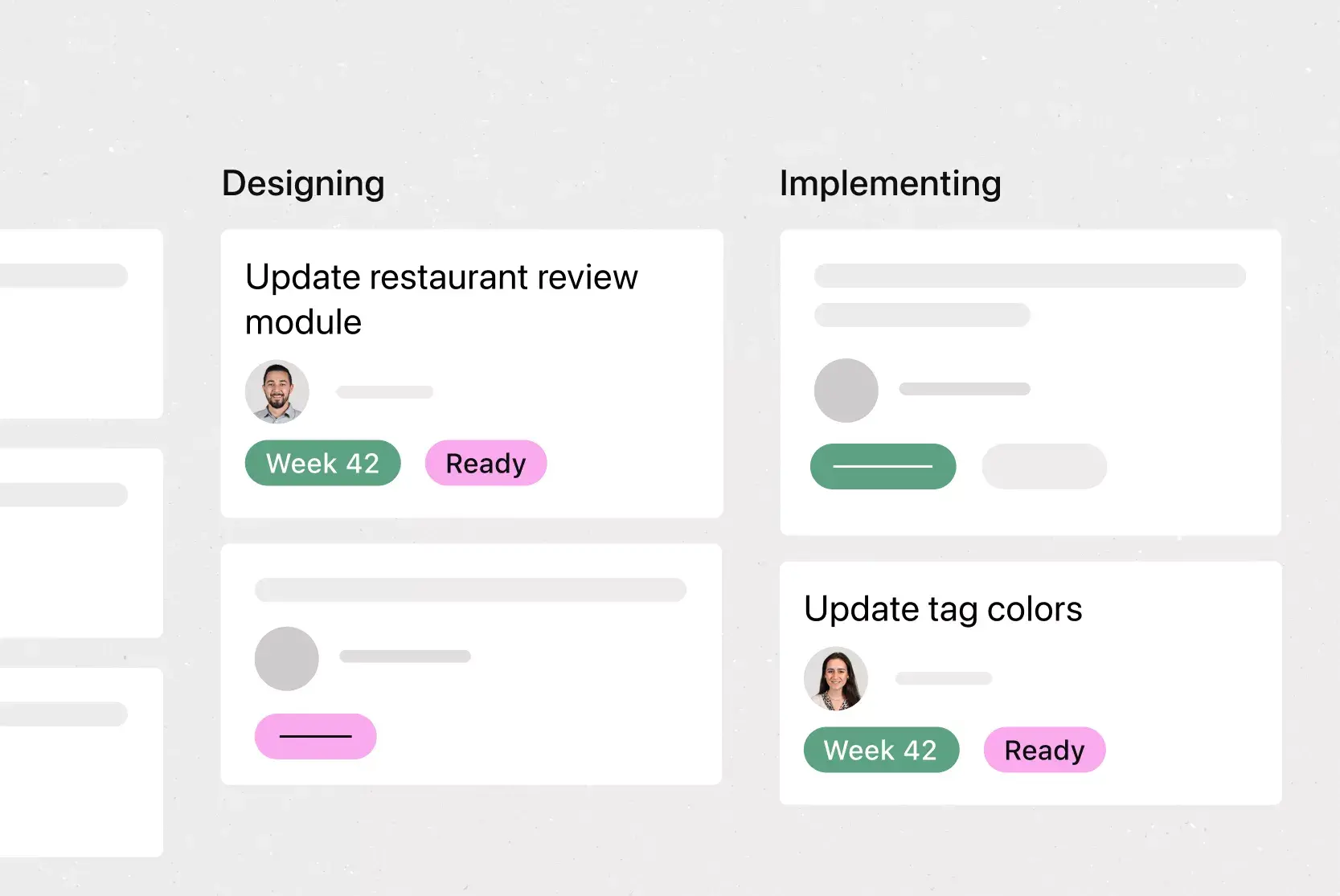
Board View. Board View is a Kanban board-style view that displays your project's information in columns. Columns are typically organized by work status (like To Do, Doing, and Done), but you can adjust column titles depending on your project needs. Within each column, tasks are displayed as cards, with a variety of associated information, including task title, due date, and custom fields. Track work as it moves through stages and get an at-a-glance insight into where your project stands.
Forms. When someone fills out a Form, it appears as a new task in an Asana project. By taking information via a Form, you can standardize how work gets kicked off, gather the information you need, and ensure nothing falls through the cracks. Instead of treating each request as an ad hoc process, create a standardized system and a set of questions that everyone must answer. Or, use branching logic to tailor questions based on a user's previous answer. Ultimately, Forms help you reduce the time and effort required to manage incoming requests, so your team can spend more time on the work that matters.
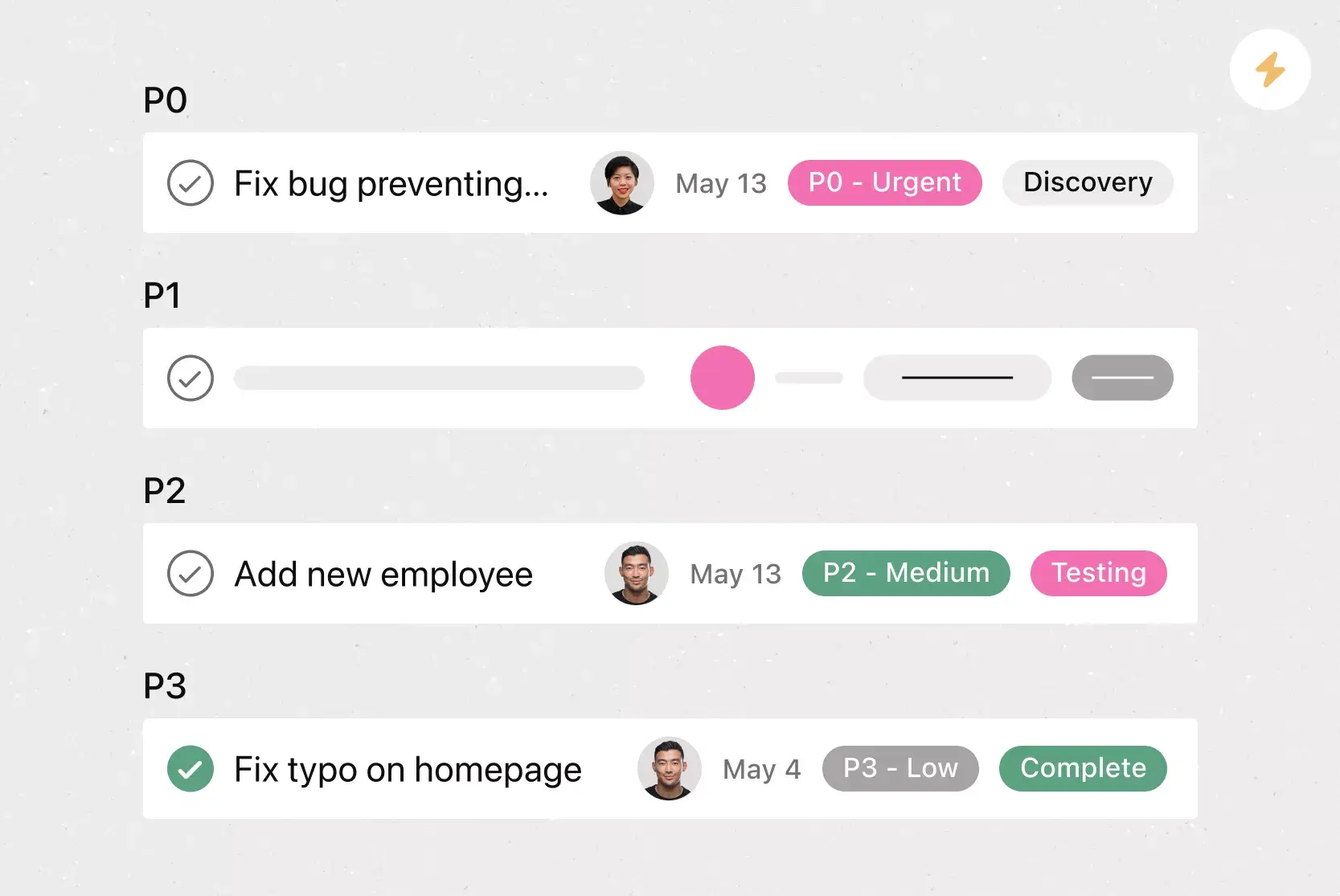
Custom fields. Custom fields are the best way to tag, sort, and filter work. Create custom fields for any information you need to track, from priority and status to email addresses and phone numbers. Use custom fields to sort and schedule your to-dos so you know what to work on first. Plus, share custom fields across tasks and projects to ensure consistency across your organization.
Adding tasks to multiple projects. The nature of work is cross-functional. Teams need to be able to work effectively across departments. But if each department has its own filing system, work gets stalled and siloed. Asana makes it easy to track and manage tasks across multiple projects. This doesn't just reduce duplicative work and increase cross-team visibility. It also helps your team see tasks in context, view who's working on what, and keep tasks and team members connected.
Recommended apps
Jira. Create interactive, connected workflows between technical and business teams to increase real-time visibility into the product development process, all without leaving Asana. Quickly create Jira issues directly in Asana so work flows seamlessly between teams at the right time.
Zendesk. With Asana's Zendesk integration, users can create Asana tasks directly from Zendesk tickets. Add context, attach files, and link existing tasks to track work needed to close out the ticket.
Gmail. With the Asana for Gmail integration, you can create Asana tasks directly from your Gmail inbox. Any tasks you create from Gmail will automatically include the context from your email, so you never miss a beat.
Slack. Turn ideas, work requests, and action items from Slack into Asana tasks and comments that are trackable. Go from quick questions and action items to tasks with assignees and due dates.
FAQs about postmortem templates
What is a postmortem template?
How do you structure a postmortem meeting?
How do you write a postmortem report?
What is the difference between a project postmortem and an incident postmortem?
What is a blameless postmortem?
Related templates
![[Templates] Web Design Process (Card image)](https://assets.asana.biz/transform/91cfb3ee-da0a-44d4-82a4-3cc08d1d6451/TG23-web-thumbnail-035-changelog-static-2x?io=transform:fill,width:2560&format=webp)
![[Templates] Sprint Retro (Card image)](https://assets.asana.biz/transform/889d64ca-6f95-485f-888a-b015a0932852/TG23-web-hero-049-launch-post-mortem-thumbnail-2x?io=transform:fill,width:2560&format=webp)
![[Agile Daily Standup] template Card Image](https://assets.asana.biz/transform/0df37b8d-d69a-42af-b4ac-c0fc41658276/TG23-web-thumbnail-019-weeklytodo1-static-2x?io=transform:fill,width:2560&format=webp)
![[Templates] Software and System Deployment (Card image)](https://assets.asana.biz/transform/8b9bb024-d81b-48ec-8cd8-148453823fbe/software-and-system-deployment?io=transform:fill,width:2560&format=webp)

Create a postmortem template with Asana
Build a postmortem template to improve your future projects.