Asana acquires StackAI — now every human-agent workflow runs in one place.Learn more

Unito + Asana
Unito's a simpler, faster, and more effective way to connect Asana with your other tools, no code required. Anyone can set up a 2-way sync integration with real-time, automated updates across tasks, projects, and portfolios.
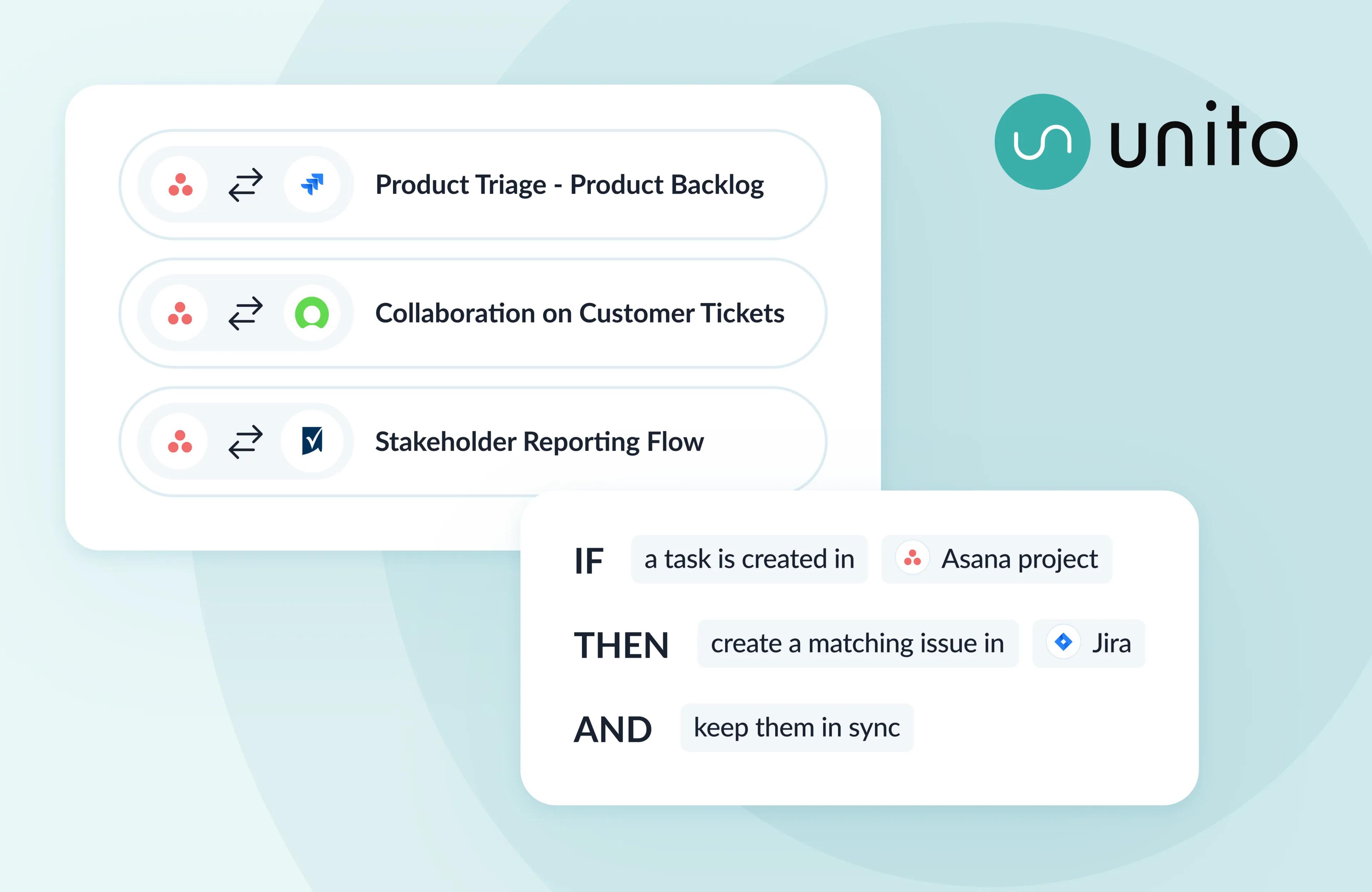
What is Unito?
Unito connects Asana to 60+ leading business apps — including Jira, Salesforce, ServiceNow, Azure DevOps, Jira Service Management, Smartsheet, Zendesk, GitHub, and HubSpot — with deep, enterprise-grade 2-way sync. Tasks, projects, portfolios, comments, assignees, statuses, attachments, dependencies, and custom fields stay live across systems.
Why Unito + Asana?
Asana is where your teams plan, coordinate, and drive work forward. But other work happens in other tools — engineering in Jira, sales in Salesforce, IT in ServiceNow, support in Zendesk. With Unito, Asana stays the orchestration layer for your business while every team keeps working in the tool they need, with full context flowing in real time.
Unlike automation tools that require rigid triggers and chained actions to sync in a single direction, Unito's default rules sync connected work back and forth automatically. Just one Unito flow will save your team hours of manual input each week by eliminating the need to create duplicate sets of information that become obsolete the moment you move on to something else.
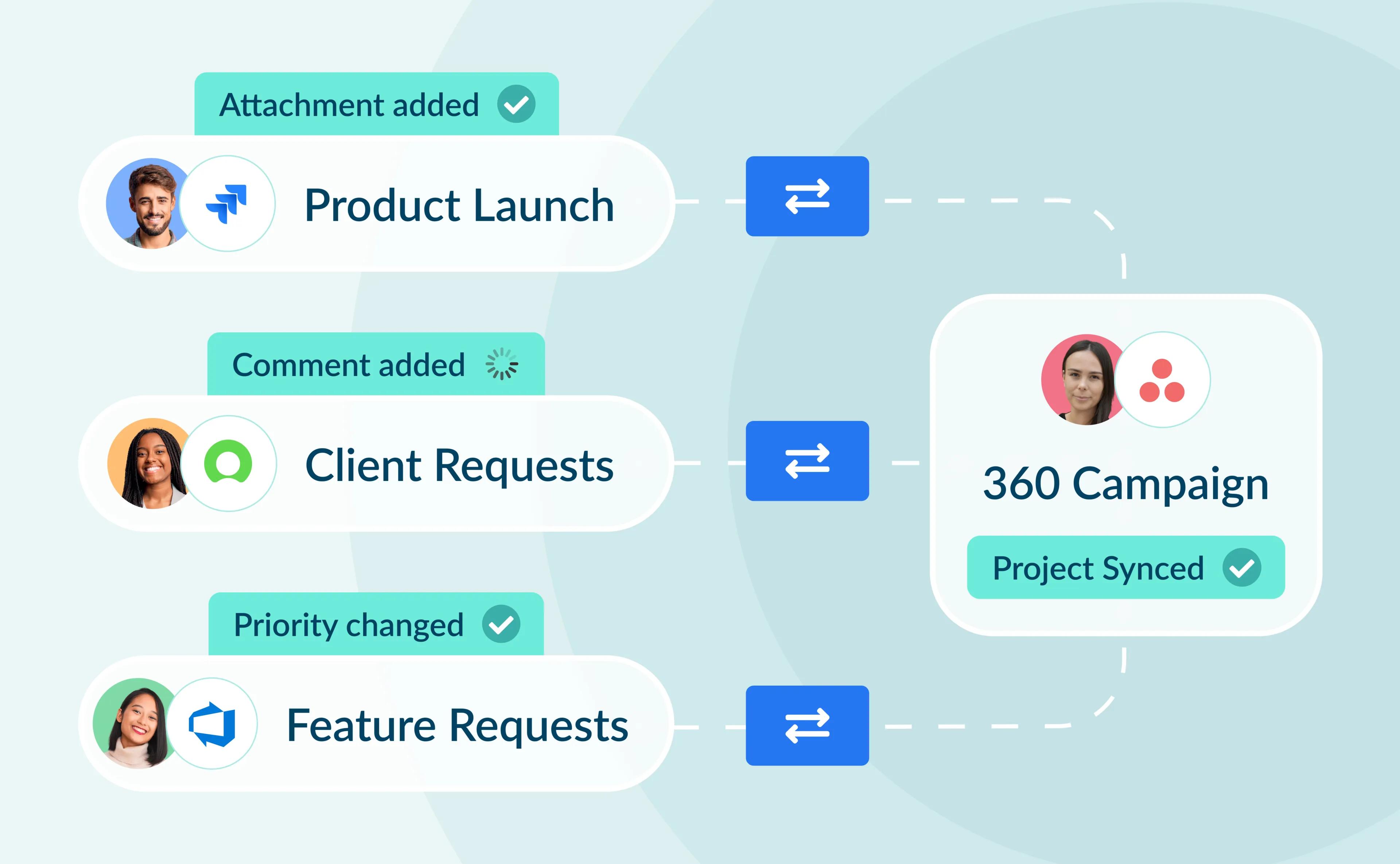
Sync at every level. Connect Asana tasks, projects, and portfolios to other tools, and roll up entire programs of work across systems. The shape of your work stays intact in both directions – an Asana initiative becomes a Jira epic, a project becomes a work item, sub-tasks become sub-tasks.
Map every work item and field, your way. Two-way sync on what matters most, with support for all native and custom work items. Every field is a choice: sync data one-way, two-way, or not at all.
Smarter than automation rules. Unito syncs dependencies and relationships, matches existing tasks instead of duplicating them, and applies project templates so new synced projects come with the right structure every time.
Governance stays with IT. SSO, role-based permissions, security controls, and monitoring tools. Auto-scaling infrastructure handles peak loads.
Use cases
- Agile end-to-end software development. Connect Asana to Jira or Azure DevOps so Product and Engineering stay aligned on roadmap and delivery. Hierarchies and dependencies stay intact, live engineering progress syncs into Asana, and roadmaps reflect real delivery status.
- Revenue-to-delivery alignment. Closed-won deals in Salesforce trigger structured project work in Asana. Account context stays aligned with delivery, and pipeline-to-execution visibility is connected in real time — no manual handoffs.
- Cross-functional incident management. ServiceNow or Jira Service Management incidents convert into structured remediation work in Asana. Statuses and SLAs stay aligned, and teams collaborate without switching tools.
- Smarter AI Teammates. AI Teammates and AI agents are only as smart as the context they can see. Unito feeds Asana's work graph with real-time data from across your stack, so AI in Asana operates with complete business context — not just what's already been put into Asana.
What do Asana users think?
"Unito has been a game-changer for our team. This integration powerhouse has not only eliminated double data entry but also reduced project risks and inefficiencies, supercharging our workflows." – Chaya Michel Cloward, Sr. Marketing Technical Manager at HubSpot
Here's how to set up a flow with Unito:
- Sign up for Unito (free trial available).
- Connect Asana and another app or tool.
- Set a 1- or 2-way flow direction. This tells Unito where to automatically create tasks based on your manual activity: From Asana, to Asana, or both simultaneously.
- Add rules to filter which items sync. For example, only sync tasks with certain tags.
- Map fields and choose the sync direction of real-time updates.
Browse Unito's Resource Library for Asana guides and tutorials.
Learn more and get support
- Now part of Asana's enterprise offering. The Unito Sync Add-On is available as part of Asana's enterprise offering. Get in touch with your Asana representative to learn more.
- Find out more about this 2-way integration in Unito's help center.
- If you have questions, feedback, or need support, contact the Unito support team.